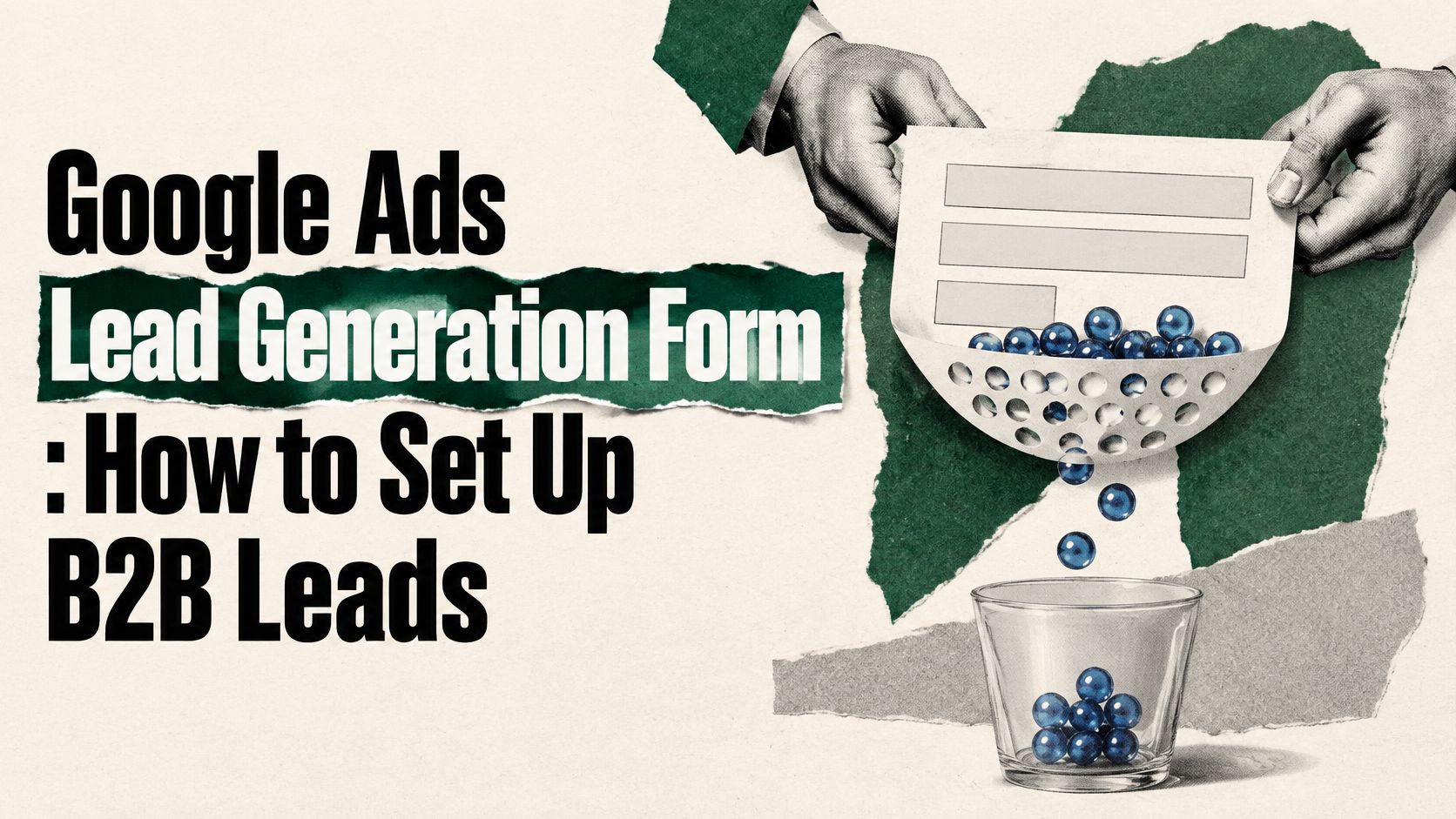
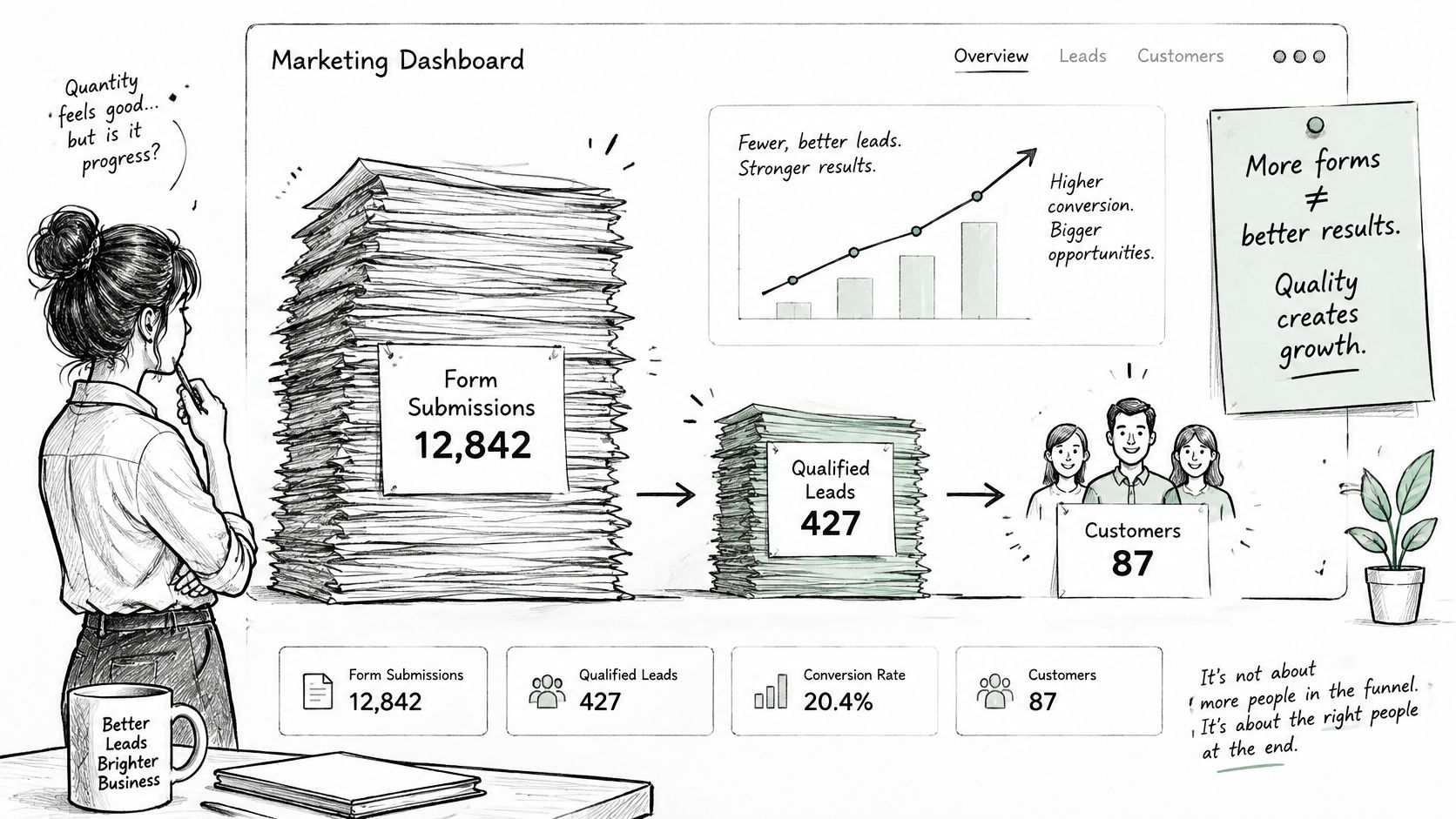
The most popular advice on a Google Ads lead generation form is simple. Make it short, remove friction, and watch cost per lead fall. For B2B SaaS, that's backwards. A form that anyone can submit in seconds gives sales more work, not more pipeline. I would judge the form by sales-accepted leads and cost per opportunity, even if that makes the early dashboard look worse. Submissions are input. Qualified pipeline is the output that pays for the spend.
Many teams report form submissions first because they're instant and flattering. Cost per lead drops after launch, marketing celebrates, then sales works the list and calls half of it unqualified. Nobody connects the two results because form data sits in Google Ads while pipeline sits in the CRM. That's not a reporting gap. It's a structural failure.
The format was built for speed. The Google Ads lead form announcement says Google introduced lead form extensions for Search campaigns as a beta feature on October 30, 2019, with a Google-hosted form inside the ad so signed-in users could submit pre-populated contact information with a single tap. In that same announcement, Totalplay, a telecommunications provider in Mexico, saw leads generated through lead form extensions close at a rate 20% higher than leads from the company's other lead-generation efforts. That's one company's result, not a benchmark for your SaaS motion.
Separate the search interaction, the form submission, and the qualified or closed opportunity. Each stage answers a different question. Search tells you whether intent exists, submission tells you whether the offer is clear, and qualification tells you whether you attracted the right buyer.
A completed form proves someone tapped. It does not prove you created pipeline.
Read week-one stage conversion as a signal to fix fields, copy, or routing. Read cost per opportunity as a verdict only after a batch of leads has reached sales and been worked properly. If you need a shared definition before you launch, align on how to qualify B2B leads with sales first. Build for qualified pipeline first and submissions second, or Google will happily optimize toward the cheapest tap it can find.
Include a field only if a routing, qualification, or sales action depends on it. Every extra field lowers the submit rate, so every field has to earn its place. If no one changes what they do based on the answer, cut it. Curiosity fields are sales tax.
For most B2B SaaS forms, start with work email, full name, company, job title, and company size. Add phone only if sales calls within the hour. Then add one buying-intent question, such as "Are you replacing a current tool or buying a first one?" That single answer often separates an active evaluation from casual research.
Say you sell software to finance teams. Role and company size decide whether a lead goes straight to an account executive or into nurture. A finance lead at a company in your target range needs a fast human reply, while a student or a single-person business shouldn't consume AE time. Pre-populated fields for signed-in users reduce friction, but don't trust them blindly. Check accuracy during validation before you route on job title or company.
Ad copy has to do the same filtering work. Your headline must match the offer on the form, name who the offer is for, and state what happens next. "For finance teams replacing spreadsheets. A rep replies within one business day" beats a generic demo promise because it sets scope and timing. Review strong ad copy examples for structure, then write yours around the specific buyer problem.
Don't promise a demo slot, a resource, or a reply speed sales can't deliver. That mismatch doesn't show up as a copy problem. It shows up later as unqualified, annoyed, or unreachable leads, and sales blames the channel.
Before launch, lock this checklist:
A lead form isn't an ad decoration. It's a short-lived data pipeline, and if you treat delivery as an afterthought, you'll lose records. The Google Ads lead form asset documentation states that CSV downloads contain only the previous 30 days of leads, while Google Ads stores lead data for 60 days. A monthly manual export habit therefore creates a gap you may never notice until sales asks where a lead went.
Google supports manual CSV export, email notifications, and automated transfer through the Google Ads API to a CRM or other system. It also reports clicks, impressions, cost, and click-through rate for the asset, so you can compare the form with other ad components. Those metrics still don't tell you whether the lead became pipeline. Your CRM has to carry campaign, keyword, qualification, opportunity, and revenue data together.
Lead delivery routes and their limits
| Route | How it delivers leads | Limit or risk | Best fit |
|---|---|---|---|
| CSV export | Manual download from Google Ads | Only the previous 30 days of leads are included | Low-volume campaigns reviewed weekly |
| Email notification | Sent to the address set on the lead form asset | Not a system of record; inbox handling creates no audit trail | Fast alerts for sales reps |
| Google Ads API | Automated retrieval into a CRM or other system | Lead data is stored for 60 days, so retrieval must run inside that window | Teams that cannot afford lost records |
| Webhook | HTTP POST to a set URL immediately after submission, validated by a webhook key | Only one webhook delivery method per lead form asset | Real-time routing into the CRM |
Webhook delivery looks simple and fails when no one owns it. The Google Ads webhook setup guidance requires a webhook URL and webhook key, and recommends sending test data to confirm the CRM receives and maps the payload correctly. The key helps you validate that incoming leads originate from the Google Ads lead form. Send sample data before go-live, confirm field mapping, owner assignment, and alerts, then test again after any CRM change.
That single webhook constraint matters. Your receiving endpoint must handle routing, deduplication, and notifications downstream because you can't rely on a second webhook route to catch mistakes. If you're connecting this into broader nurture and handoffs, map it against your marketing automation for B2B flow before spend starts.
Choose the route by two questions. How fast must a human act, and how much history must you recover if something breaks? Assign an owner to the receiving endpoint before launch, with a name, not a team alias.
Setup is where rushing creates weeks of bad data. Every step below exists to protect one thing: your ability to trace a submission through to a sales-accepted lead and a real cost per opportunity. Work in order, and don't launch until a test lead survives the full handoff into your CRM.
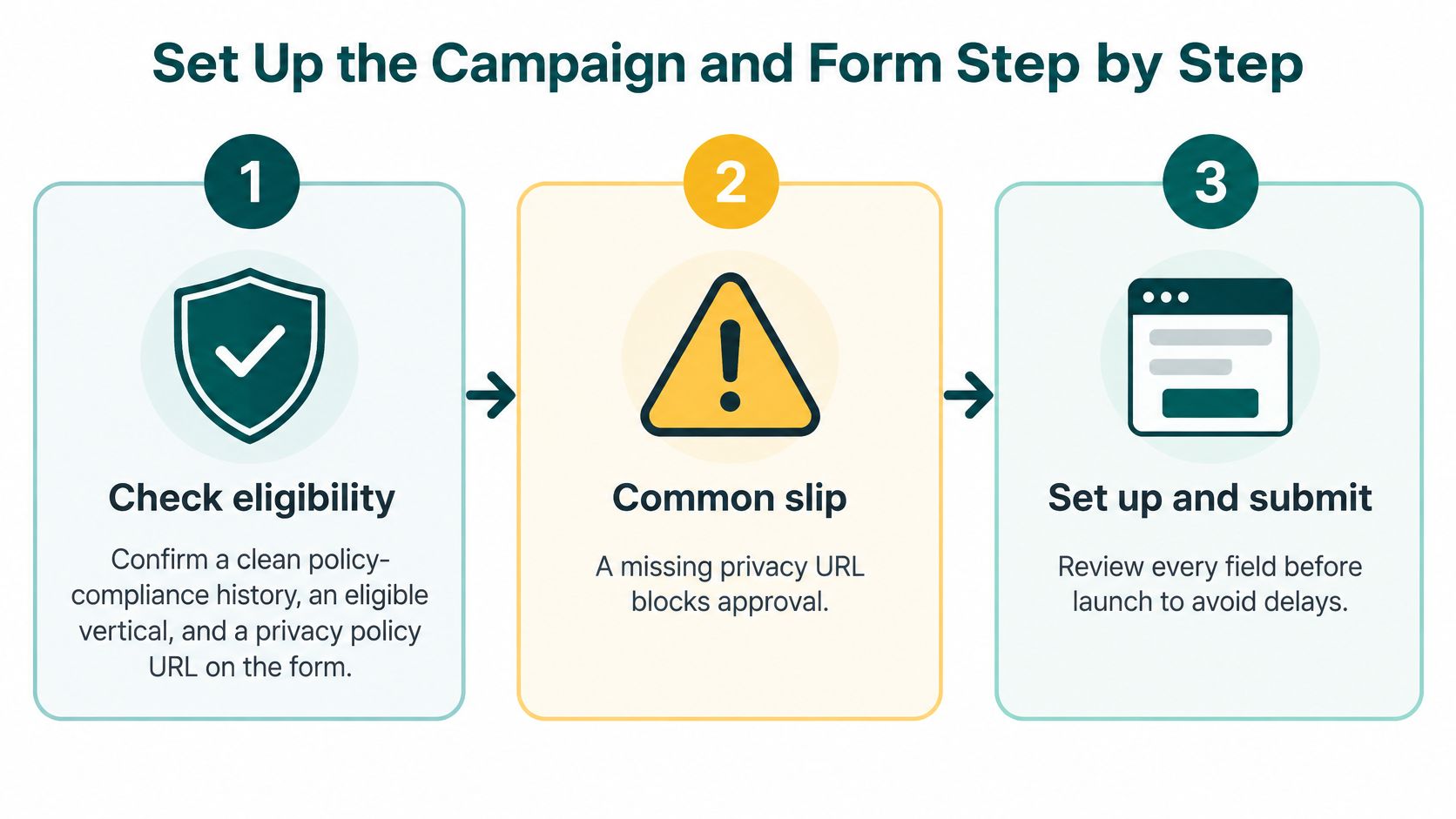
Check eligibility first. The Google Ads lead form policy requirements start with a good policy-compliance history, an eligible vertical, and a privacy-policy URL that appears on the form. Depending on the format and your account standing, Google may also require verification before lead forms become available, so confirm access in your account before you build anything. Common slip: a missing or broken privacy URL blocks approval.
Attach the form to a conversion-focused campaign. Use Search or Performance Max built around a clear lead offer, not brand or awareness traffic. Brand terms produce cheap submissions from people who already know you, which inflates early results and teaches you nothing about demand creation.
Set conversion bidding with the right starting goal. Include the "Submit lead form (Google hosted)" conversion goal so bidding optimizes for submissions rather than weaker proxy actions. Common slip: leaving a page-view or button-click goal in the set, which teaches Google to find visitors rather than leads.
Connect the form to your delivery route. Wire up the CSV, email, API, or webhook route before spend starts, not after the first leads arrive. Common slip: treating delivery as post-launch cleanup while real prospects sit in a queue nobody checks.
Build the form around the offer. Use identity and business fields plus a small set of qualification questions tied to buying intent. Google caps how many custom questions a form can carry, so spend them on the ones sales will use to accept or reject a lead. Common slip: adding fields because they're available. If your form sends people onward to a page afterward, check that page against landing page best practices so the message doesn't change midstream.
Enable Enhanced Conversions for Leads. Google recommends it for more durable and accurate reporting, including cross-device and engaged-view measurement. This is what keeps downstream outcomes connected to the original ad interaction, and without it you're stuck judging the campaign on submission counts alone.
Submit test leads end to end. Confirm every field maps to the right CRM property, the assigned rep is correct, and the source campaign is stored. Then send a second lead with deliberately weak answers and confirm it still lands where it should. Common slip: skipping tests, so mismatches surface only after the first real prospect submits.
Pre-launch check: One test lead appears in the CRM with its lead ID, correct owner, and correct source campaign. If that isn't true, don't launch.
Target the buying problem, not the whole category. Align search terms and locations to situations where a buyer is comparing tools, replacing a process, or fixing a costly workflow. Broad category traffic brings researchers, competitors, and job seekers into a form designed for buyers.
Build negatives before you need them. For a finance-software product, start with terms such as:
Keep the starting conversion goal until the first few dozen submissions have been worked by sales. Then switch the bid target to offline qualified stages once you've reviewed a real batch. Don't tune bids on a handful of leads, because you'll chase noise and call it learning.
Privacy isn't a footer task. Your privacy policy URL must be live and reachable from the form, and your form copy should state why data is collected, who receives it, and when a human will contact the lead. Make the CRM your system of record and apply your own retention policy there. Pass consent status and deletion requests into the CRM, and keep a log of deleted lead IDs so a later webhook retry doesn't recreate a record you were asked to remove.
Make the contrarian call early. Optimize initially for verified or sales-accepted leads, not raw volume, even if reported cost per lead rises. A cheap submission sales never accepts is worse than an expensive lead that becomes pipeline. You're not buying contacts. You're buying chances to create opportunities.
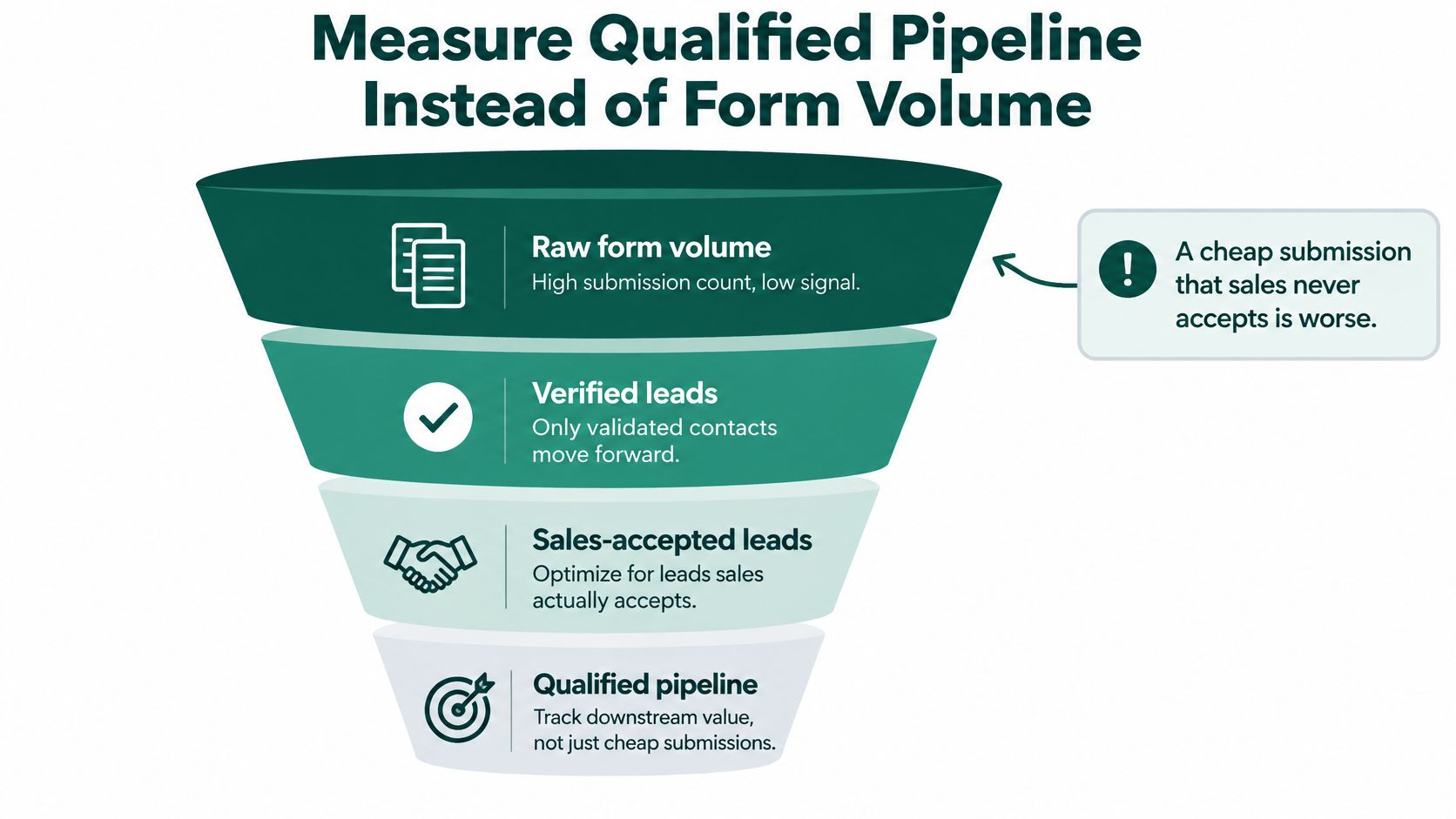
The Google Ads qualified leads documentation distinguishes basic capture from downstream qualification, since advertisers can add qualifying questions, tag responses as qualified, send leads to a CRM via webhook or API, and import qualified or converted leads for optimization. Use that full loop. Pass a stable lead ID into the CRM, deduplicate on it, and return offline outcomes to Google Ads. Google warns that a single lead may be delivered more than once and recommends using the lead ID for deduplication.
Lead stages and what to return to Google Ads
| Stage | Definition | Returned to Google Ads |
|---|---|---|
| Valid lead | Form submitted with contact details that pass validation | Lead ID and source campaign |
| Marketing-qualified lead | Answers the qualifying question in a way that fits the target profile | Qualified tag from form responses |
| Sales-accepted lead | Sales confirms the lead is real and in scope | Accepted status with date |
| Opportunity | Pipeline record created with a deal value | Offline conversion with value |
| Revenue | Closed-won amount tied to the original lead ID | Offline conversion with revenue |
Define who moves a lead from marketing-qualified to sales-accepted, and how fast sales must decide. If your team is fuzzy on when to hand leads to sales, fix that definition before you change bidding, because Google will optimize toward whatever label you feed it. Sloppy stage discipline becomes sloppy automation.
Set an attribution window that matches your real sales cycle, for example 30 to 90 days for a mid-market deal, and write that window in your reporting notes. Don't compare one month's cost per opportunity against another window later and pretend it's the same metric. Consistency matters more than false precision.
Wait for feedback volume. Don't change bidding after a few leads, because a small batch overweights whoever happened to search that week. Let sales review several dozen leads per campaign, then move the target. Report one board-level number from this channel: cost per sales-accepted opportunity. Tie that view back to your wider Google Ads for B2B program so lead forms compete on pipeline, not on submission price.
After launch, don't debate opinions. Match the symptom to the likely cause, fix that cause, and give it the right amount of time. Some problems are plumbing and take a day. Bidding and qualification problems take weeks because sales feedback has to accumulate.
Lead form symptoms, causes and fixes
| Symptom | Likely cause | Fix |
|---|---|---|
| Duplicate records in the CRM | Google can deliver the same lead more than once | Deduplicate on lead ID before routing; takes a day |
| Leads missing from the CRM | CSV window of 30 days missed, or the webhook endpoint failed | Move to the API or the webhook with retries and alerts; takes a day |
| High submissions, low sales acceptance | Form too easy and no qualifying question | Add one buying-intent question and shift bidding to sales-accepted leads; takes several weeks |
| Lower cost per lead, flat pipeline | Campaign optimized for volume | Judge by cost per opportunity and pause keywords that produce unqualified leads; takes several weeks |
| Few submissions after weeks | Offer unclear or form too long | Cut fields and sharpen the headline to the offer; takes a week |
Duplicates and missing leads corrupt every decision downstream. If lead IDs don't reconcile between Google Ads and the CRM, you can't trust acceptance rate, cost per opportunity, or keyword-level quality. Correct field mapping, restore the endpoint, add failure alerts, and replay test leads first.
Don't redesign the form to solve a delivery failure. Prove the data arrived before you judge the message.
Weak leads need a different response. If submissions are high and acceptance is low, the form is probably too easy for the wrong person to complete. Add one buying-intent question, tighten negatives, and check whether broad keywords are pulling in research traffic. If cost per lead falls while pipeline stays flat, pause the keywords producing unqualified leads even if they look efficient in Google Ads.
Few submissions point the other way. Your offer may be vague, the headline may not name the buyer, or the form may ask for phone and company size before giving a clear reason. Cut fields that don't change routing, sharpen the next step, and retest. Keep each caveat next to the symptom it explains, not buried in a general warning at the end.
Scale only when three conditions hold. Cost per sales-accepted opportunity sits inside the range your pipeline model can absorb, lead IDs reconcile between Google Ads and the CRM, and sales confirms the leads match the qualifying question. If any one fails, hold.
Hold when submissions rise but sales acceptance stays flat. Hold when export or webhook gaps exist and nobody can explain them. Don't scale an unreconciled campaign, because you're buying volume you can't measure and training bidding on incomplete outcomes.
Start with a pilot, not a rollout. Use one offer, one delivery route, one qualifying question, and a written response time sales has agreed to. Review it with sales after several dozen leads per campaign have been worked, and make the scale-or-hold call in that review, not from the dashboard alone.
We run demand generation pilots to generate leads and acquire customers as part of go-to-market execution, and in the Sastrify case study, multi-channel demand generation took the company from zero leads to 200 qualified prospects. If your team can't yet tell whether its form pipeline is real, start with a free consultation call and fix the measurement before adding budget. A form is a pipeline. Judge it by the opportunities it creates.
If your Google Ads lead generation form reports cheap leads but sales sees thin pipeline, Big Moves Marketing can help you rebuild the offer, fields, CRM handoff, and offline conversion loop around sales-accepted opportunities. Start with a free consultation call, bring your current form and stage definitions, and leave with a clear pilot plan for one campaign you can measure properly.