The advice you'll hear first is that deliverability is an authentication problem. Publish SPF, DKIM and DMARC, warm the domain for two weeks, and the inbox follows. That advice stopped being sufficient the moment mailbox providers started grading senders on engagement and complaint behaviour, and it's why so many teams own three tools and still can't explain why last month's campaign landed in spam.
Authentication gets you considered. It does not get you placed. The 2025 Validity benchmark, built on mailbox-provider placement data, found that only 83.5% of legitimate marketing emails reached the inbox globally in 2024, with 6.7% landing in spam and 9.8% missing, deferred or blocked. Roughly one in six never arrived.
Provider mix changes the maths more than many expect. In the same benchmark, Gmail placed 87.2% of mail in the inbox while Microsoft placed 75.6%, so a B2B list skewed toward Outlook and Microsoft 365 loses close to a quarter of its mail before a human sees it.
Teams often shop for a deliverability tool after open rates have already dropped. By then the damage sits in mailbox-provider reputation, and no test score reverses it. The tools below answer different questions. A team that buys for the wrong question spends money measuring the wrong thing and still doesn't know why its emails land in spam.
The honest starting point isn't a monitoring subscription. It's one question: what will Gmail, Outlook and Yahoo do with this exact message, and which fix moves the needle first? MailGenius is built around that question, which is why it leads this list of email deliverability tools for teams that don't yet know what's broken.
You send a test email to the address on the screen and get back a placement preview alongside a prioritized list of fixes. No ESP integration, no DNS access, no onboarding call. That matters when the person running email is also running three other channels and needs an answer before the next send.
The free spam test simulates how the major providers treat the message, then explains the result in plain language. The checks go well past the three authentication records everyone quotes:
Nothing here replaces provider data. A pre-send audit tells you what is broken now; monitoring tells you when reputation drifts. Advanced plans add monitoring, alerts and reputation tracking, and Troy Ericson's consulting team handles the cases where the test keeps passing and the mail keeps getting filtered.
The test that matters: run the same message through the check after every material change, not once a quarter. A clean report from three campaigns ago proves nothing.
Platform-agnostic and friendly to non-specialists, it works with any ESP or CRM. For a team without a deliverability specialist, that combination is the fastest route from a vague complaint to a specific fix.
GlockApps answers the folder question. Primary inbox, Promotions, or spam, and how that differs by provider. It's the tool to reach for when a specific campaign's placement is in dispute, because the seed network reports per mailbox provider rather than handing back one blended number.
The compliance surface has tightened. Since February 2024, Yahoo's sender standards require every sender to authenticate with at least SPF or DKIM, keep valid forward and reverse DNS records for sending IPs, follow the message-format rules in RFC 5321 and RFC 5322, and they recommend DKIM keys of at least 1,024 bits. GlockApps checks most of that in one pass, which is cheaper than discovering a broken reverse DNS record after a launch.
Seed addresses are diagnostic samples, not guarantees of real-recipient placement, and paid tiers cap test credits and monitoring capacity. If the budget stretches to one purchase for a mid-volume program, this covers the widest diagnostic surface. See GlockApps for the tier limits.
Everest is built for programs with more than one sending stream to watch.
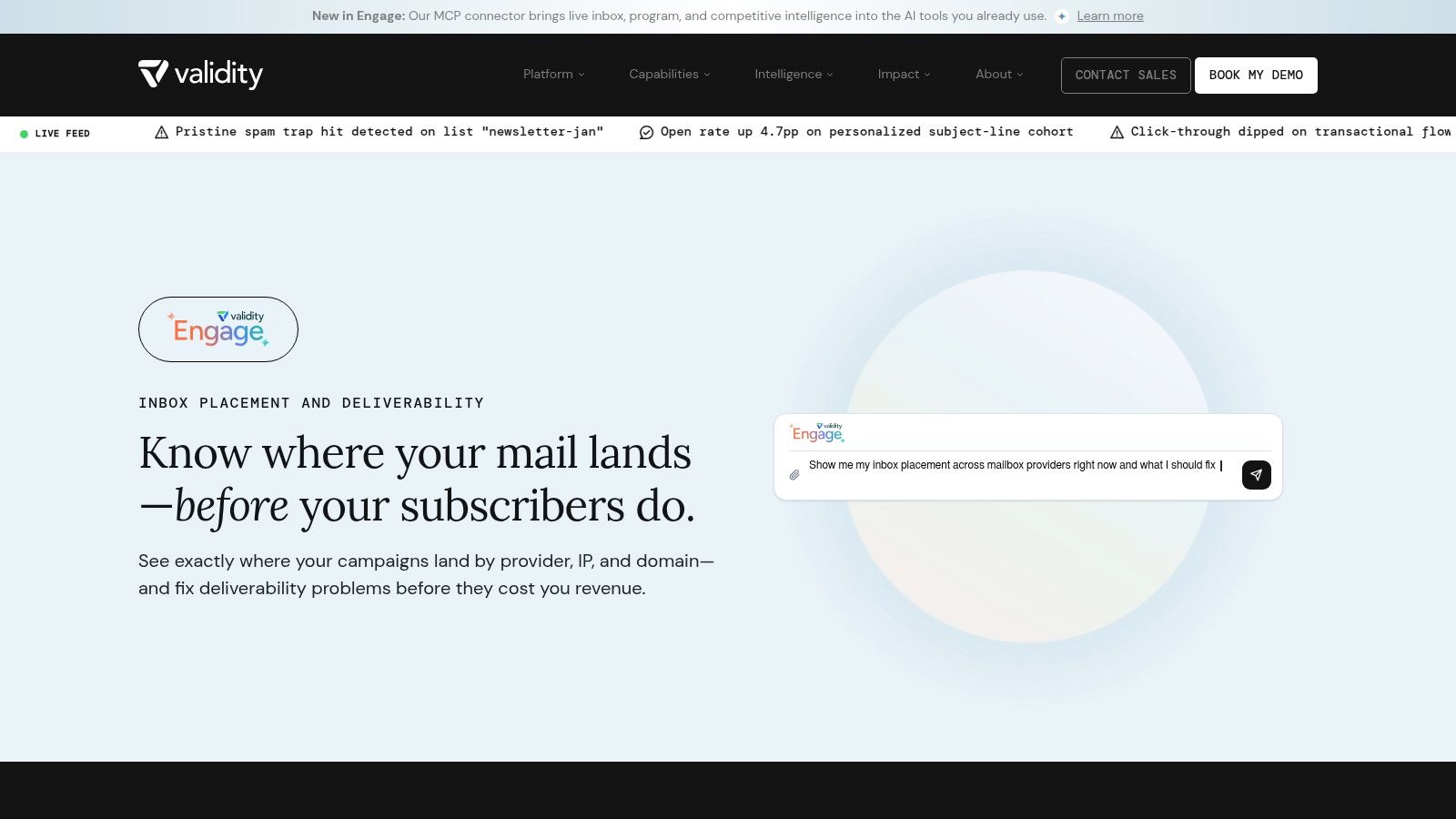
It's also the vendor with the clearest published case for provider-level data over a blended score. Validity's own benchmark shows inbox placement varying by mailbox provider, which is exactly why seed lists segmented by provider beat one reassuring average. A single global figure hides the Gmail problem underneath a healthy Outlook number, and you end up fixing the wrong stream.
The feature set is broad on purpose: seed-list placement testing, sender-reputation monitoring, DMARC and infrastructure checks, campaign engagement reporting, and regional seed lists with onboarding and training. For a team sending across the United States, India, the UK and Europe, the regional option is the part that earns its keep, because the same message performs differently depending on which providers dominate each market.
Placement testing tells you where you land. It doesn't tell you that a third of the list never confirmed. Enforcing double opt in is the cheaper control, and it makes every later placement test easier to read.
The trade-off is procurement. Pricing isn't listed and requires a conversation with Validity, and the platform is more than a low-volume sender or an occasional checker needs. Buy it when you have several streams, a reputation problem worth investigating properly, and someone whose job includes reading the output.
The Optimize dashboard keeps placement, validation and reputation in one view.
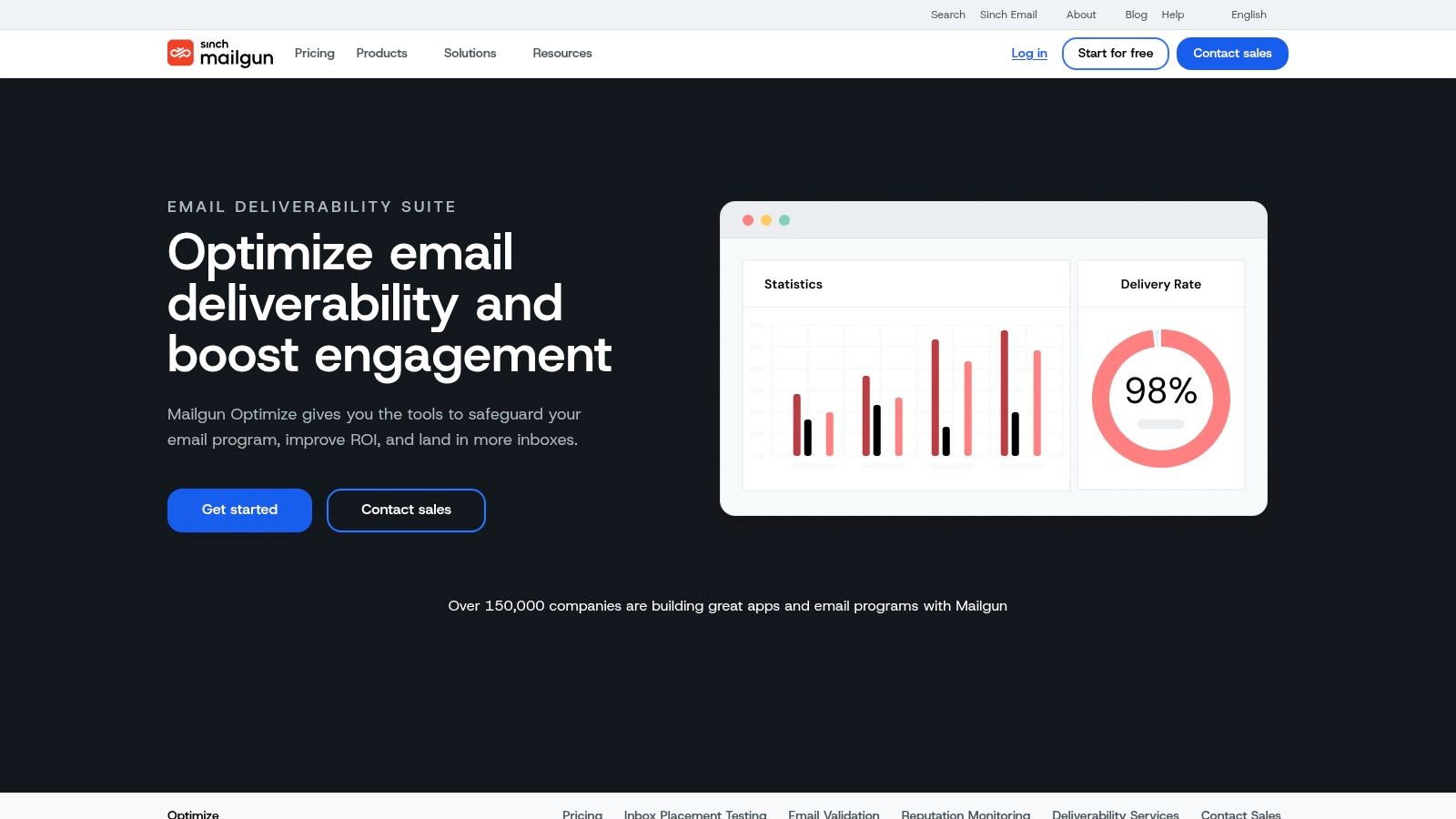
It's the middle ground for teams that already have a sending platform and don't want to migrate. Optimize is sender-agnostic: seed-list inbox placement tests, email address validation, blocklist and spam-trap monitoring on the applicable plans, plus Google Postmaster Tools and Microsoft SNDS integrations on the Starter tier. That last point is the useful one. It pulls the two provider-side data sources into one interface instead of making you keep two browser tabs and a spreadsheet.
Published tiers make the starting cost clear, which is rare in this category. The constraints are equally clear: test and validation allowances are capped and overages apply, and the product assumes some technical comfort. It isn't a score checker you hand to an intern. Email previews live in Mailgun Inspect, a separate product, so don't buy Optimize expecting client rendering QA.
What it measures is the plumbing. The campaign decisions still belong to you, which is why B2B email marketing best practices matter more than the tool once the infrastructure is clean. Start at Mailgun Optimize if you want ongoing checks without an enterprise contract.
The InboxAlly dashboard tracks placement and engagement signals together.
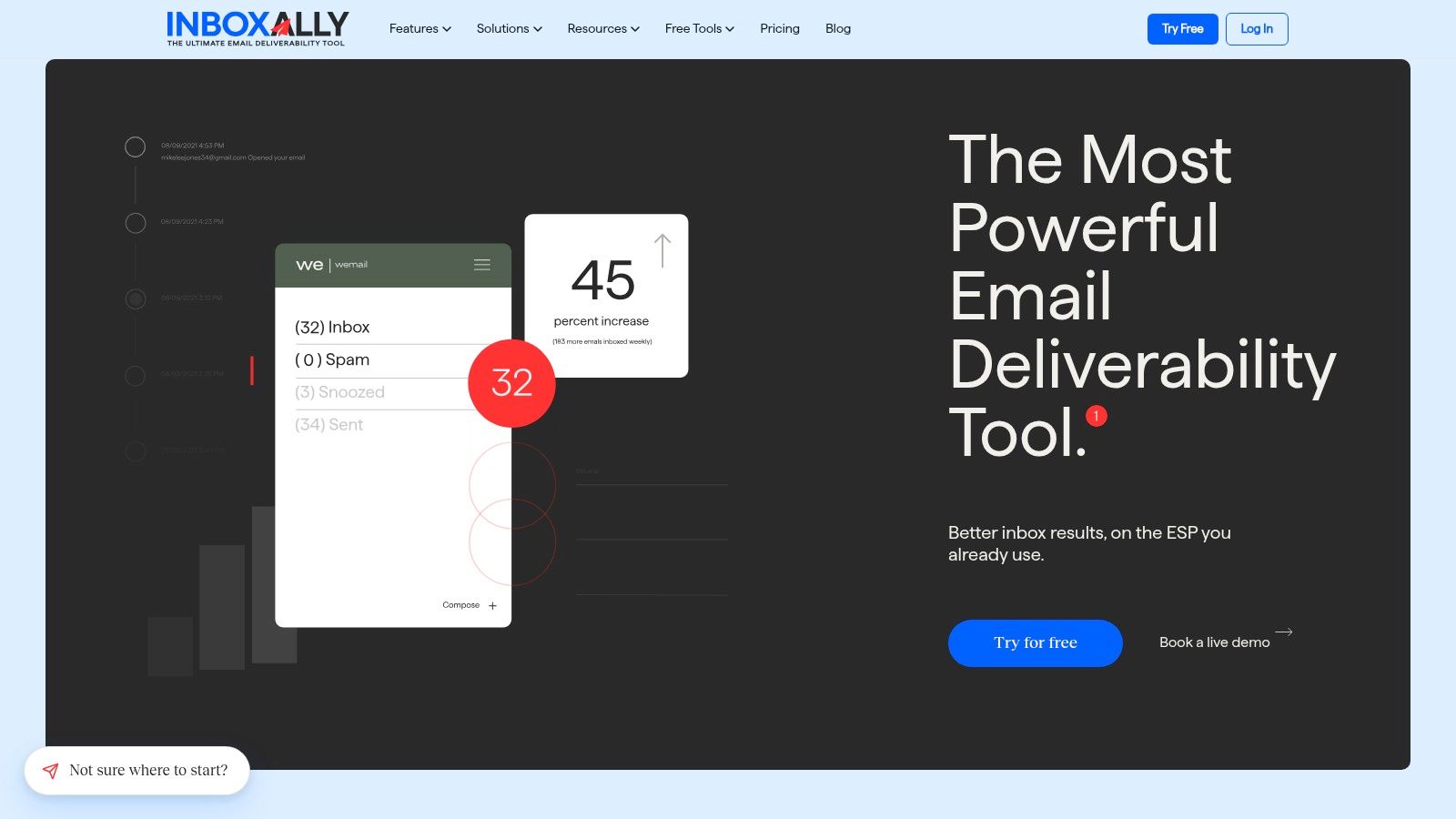
This one sits closest to the edge of the category, because it tries to influence placement rather than just report it. InboxAlly uses a seed network and engagement signals to push messages out of spam or the Promotions tab and toward the inbox. It works alongside your existing sending platform and includes a dedicated customer success manager on all plans according to its pricing page, with a 10-day trial that doesn't require a card.
The "visible inbox" problem is real. An unspam benchmark found that only 60% of messages reached a visible Gmail mailbox location when placement was measured alongside Gmail's Promotions and Updates tabs, per the unspam 2025 deliverability benchmark. A sender can pass every authentication check, avoid spam entirely, and still go unseen.
Moving mail out of Promotions is a real outcome. It is not the same outcome as repairing a domain that fails alignment.
That distinction sets the buying rule. InboxAlly suits a sender with a diagnosed reputation or tab-placement issue and the budget for a specialist service. It's more expensive than a diagnostic tool, and the engagement-based approach won't fit every program. It does not fix authentication, list quality or consent, and no amount of engagement signal rescues mail people didn't ask for. Details are at InboxAlly.
MailReach's dashboard is organised around mailboxes, not campaigns.
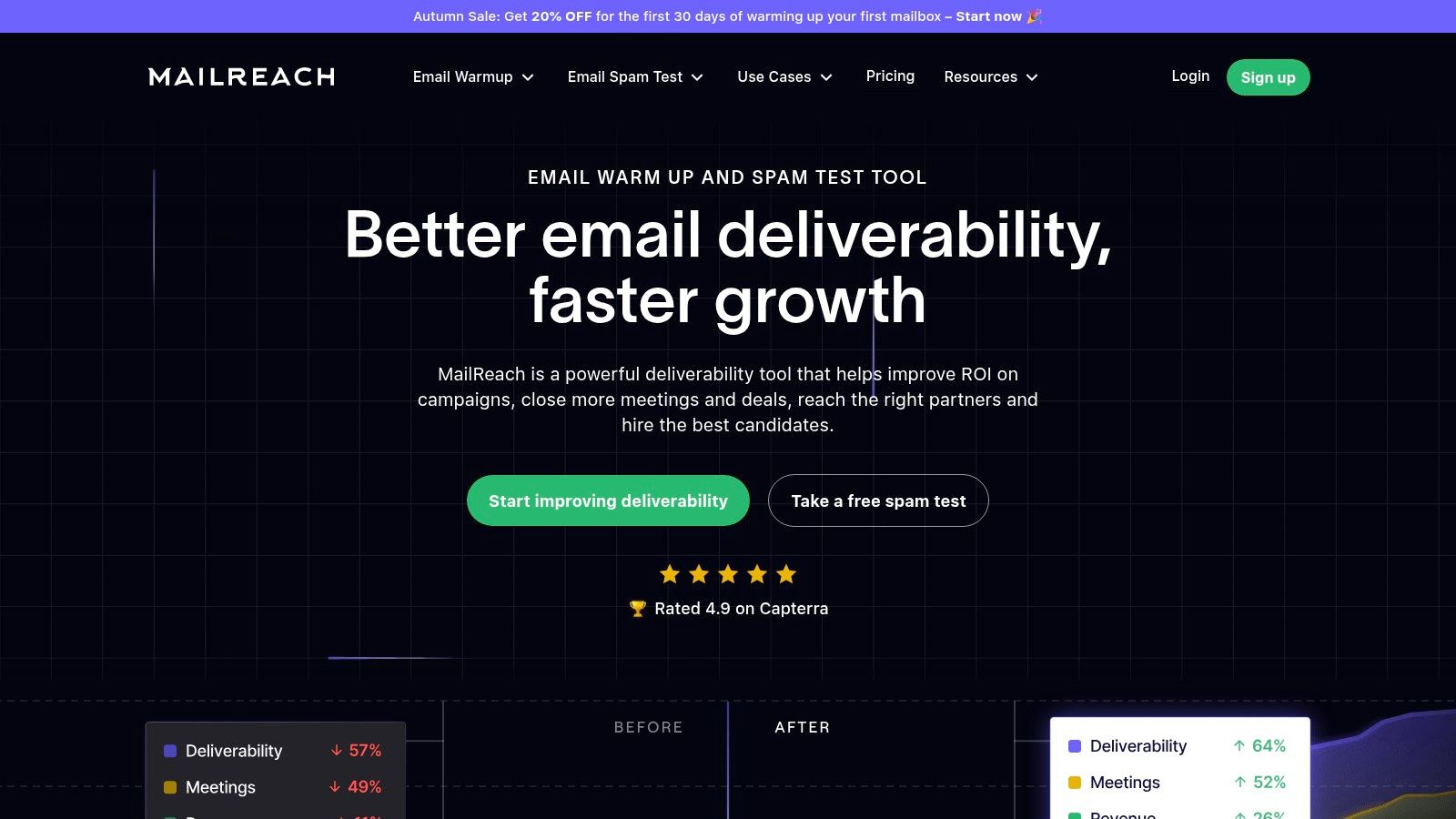
That's the tell. This is outbound infrastructure for sales teams running cold email from individual inboxes, combining mailbox warm-up with spam testing, placement reporting and SPF, DKIM and DMARC checks, plus API and agency management features. Per-mailbox pricing is published, and it adds up quickly across a team of 20 reps.
Warm-up buys a reputation baseline. It does not buy consent. A warmed mailbox pointed at a scraped list is still unwanted mail, and providers score how recipients respond, not how patiently you warmed the domain. If the reply rate is the actual problem, the cold email template is a targeting decision before it's a copy decision.
Mail-Tester does one thing and does it in under two minutes. You send a test message to the address it supplies, and it grades the message and the sending server on authentication, content and selected blocklists, then explains each deduction.
That explanation is the value. A beginner can read it and fix something. A senior operator can use it to rule out the obvious before spending an afternoon in DNS. Free tests are available and paid subscriptions are low cost, with API and embeddable options on the paid tiers.
The trap is treating the score as a verdict. A good score doesn't guarantee inbox placement for every recipient, and it doesn't replace seed-based placement testing or provider reputation dashboards. To calibrate: the 2025 BillionVerify Email Deliverability Report put average inbox placement at 84.6%, so a meaningful share of well-formed mail still misses the inbox somewhere. Free tests and report access are limited, which is fine for spot checks and useless for monitoring.
A ten out of ten means the message is unlikely to be rejected. It says nothing about where it lands.
Pair it with a rendering check: HTML versus text email changes both the spam score and how the message reads in the inbox. Details at Mail-Tester.
Postmaster is the only place Gmail tells you what it thinks of your domain. Domain and IP reputation, spam rate, authentication results and delivery errors, all free, all first-party.
Google has also made the rules explicit. Since February 2024, senders delivering 5,000 or more messages per day to personal Gmail accounts are bulk senders, and they must authenticate outgoing mail, avoid unwanted messages and offer one-click unsubscribe for promotional mail. Google advises keeping user-reported spam rates below 0.1% and warns that at 0.3% or higher delivery mitigations become unavailable until the rate stays below that mark for seven consecutive days, according to Google's sender guidelines.
That turns complaint rate into an operational metric with a hard ceiling, not a vanity number.
Set this up today: it costs nothing, and it's the baseline every other Gmail finding should be checked against.
The catch is attribution. Postmaster shows a rate moving; it doesn't tell you which segment, source or campaign caused the move. Connect it to something that tracks email opens and engagement by segment, or you'll be guessing. Start at Google Postmaster Tools.
Microsoft is where B2B lists lose the most mail, which makes Smart Network Data Services the most underused free tool in this category. SNDS reports how Outlook.com sees traffic from your sending IPs, including volume and complaint-related data, and it pairs with Microsoft's Junk Email Reporting Program for complaint feedback.
The catch is ownership. Access requires authorization for the IPs you're monitoring, and the current portal process includes ongoing network attestation. If you send through shared infrastructure, the IP data reflects everyone on that IP, not just you, so bring your sending provider into the conversation before you conclude anything.
An IP-based view answers a question seed tests can't. It won't cover other providers, and it won't tell you whether the message was any good.
Postmark's activity view is the part product teams use most.
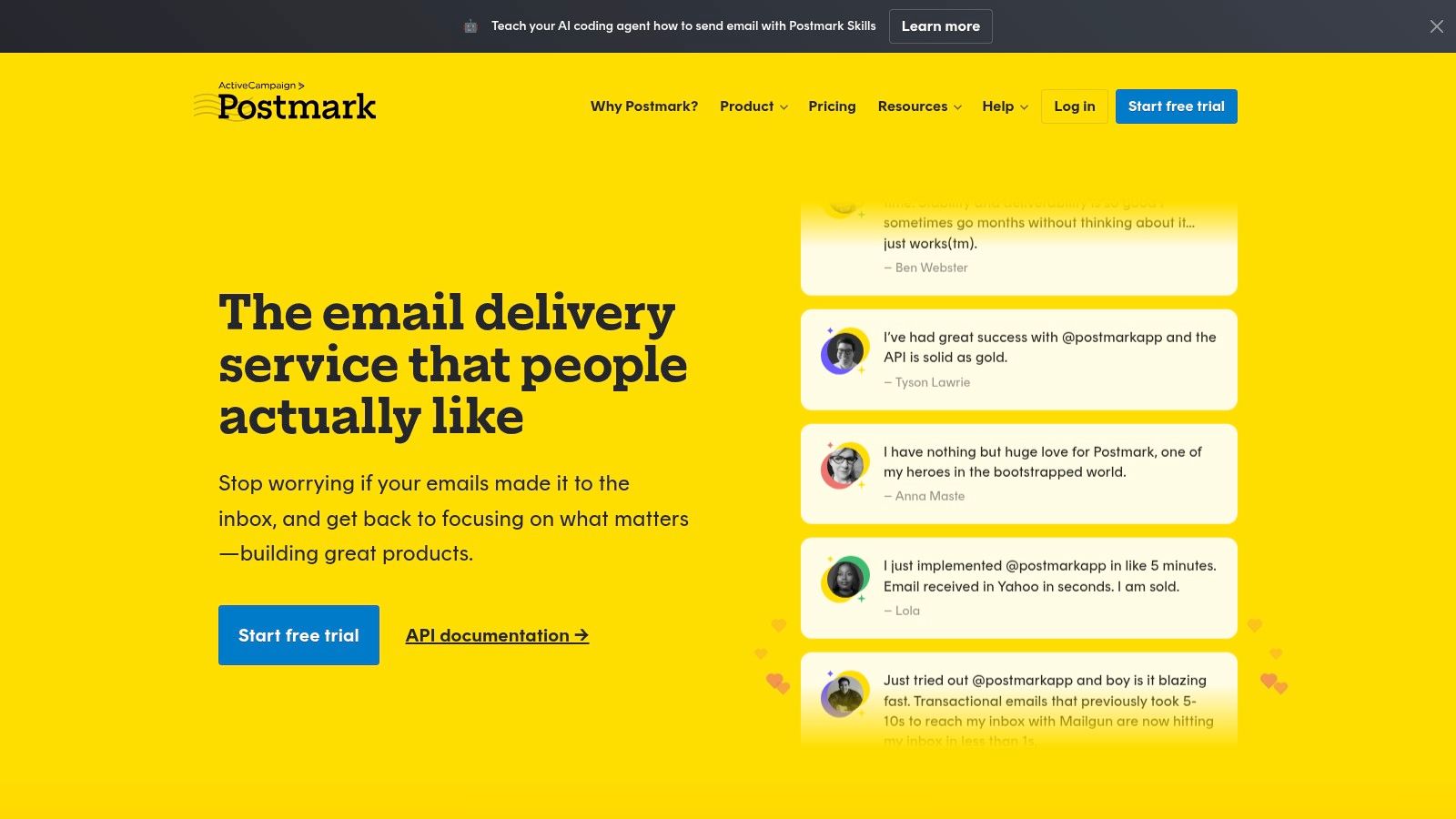
Postmark is a transactional sending service, not a monitoring suite. Password resets, receipts and account notifications, with separate message streams so a marketing blast can't poison the reputation of a login email, plus detailed per-message activity, bounce and complaint tracking, and a free tier for testing. Pricing is published and volume-based.
It belongs on this list because the tool category matters more than the label. If your deliverability problem is "our password reset emails go to spam", the fix is infrastructure and stream separation, not another placement test. If you're on a marketing platform that batch-sends receipts through the same pool as campaigns, moving transactional mail off it is the highest-impact change available.
It is not a broad inbox-placement or reputation-monitoring product, and teams that need campaign diagnostics or marketing automation will need other tools alongside. See Postmark for stream and volume pricing.
Inspect's client preview grid is the core of the product.
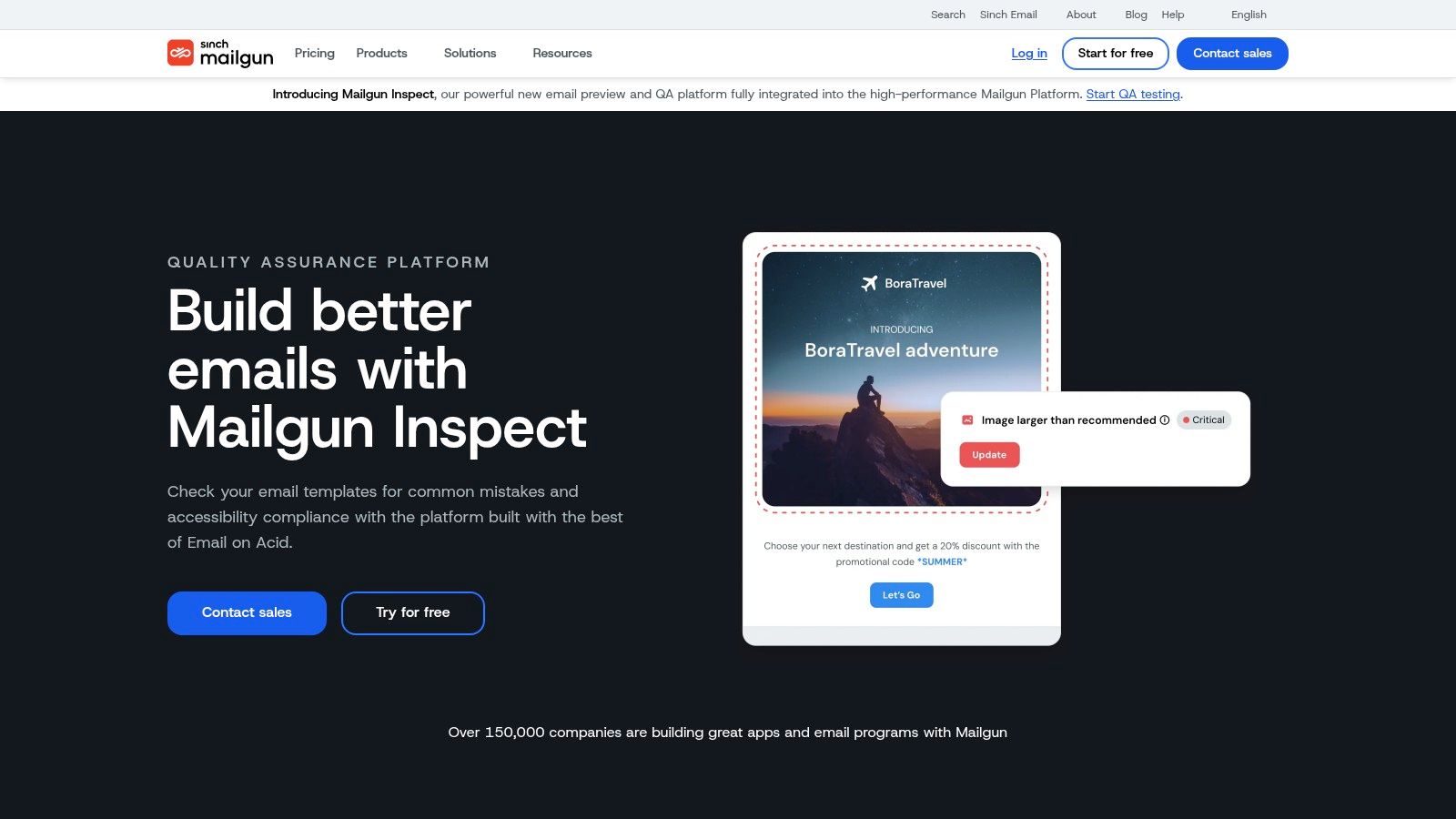
This is pre-send QA, and it's a category many teams skip. Previews across more than 100 email clients and devices, link and image validation, accessibility checks and HTML analysis on applicable plans, and spam-content checks. It works without adopting Mailgun as your sending provider, and published plans support unlimited users.
The accessibility and link checks are the underrated part. A broken tracking link or a missing image doesn't just look bad; it generates complaints and replies that no filter forgives. Catching those before a 40,000-recipient send is worth more than a marginal spam-score improvement.
Rendering QA and deliverability monitoring answer different questions. Buying one to solve the other is how teams end up with a clean preview and a spam folder problem.
The limits are honest: preview usage is capped on paid tiers with extra previews costing more, the focus is QA rather than ongoing reputation, and a clean preview never guarantees placement. Details at Mailgun Inspect.
| Item | Best for | Inbox placement testing | Authentication checks | Free option |
|---|---|---|---|---|
| MailGenius | Quick deliverability diagnostics across email platforms | Inbox previews and simulated provider tests | Checks SPF, DKIM, DMARC, BIMI, and more | Free spam test |
| GlockApps | Teams needing testing and ongoing monitoring | Tests across mailbox providers | Authentication checks and DMARC analytics | Free tier |
| Validity Everest | Organizations with complex email programs | Seed-list placement tests, including regional options | DMARC and infrastructure checks | No free option stated |
| Mailgun Optimize | Teams wanting testing and monitoring alongside any sender | Seed-list placement tests | Authentication monitoring; provider integrations | No free option stated |
| InboxAlly | Senders addressing diagnosed reputation issues | Placement testing and inbox-placement assistance | Not a primary focus | 10-day trial |
| MailReach | B2B cold outreach and individual sender mailboxes | Spam tests and placement reporting | Checks SPF, DKIM, and DMARC | No free option stated |
| Mail-Tester | Simple pre-campaign message checks | Test-message scoring, not seed-based placement testing | Checks authentication | Free tests available |
| Google Postmaster Tools | Monitoring delivery to personal Gmail accounts | Gmail traffic and reputation data, not campaign placement tests | Not a primary focus | Free |
| Microsoft SNDS | Senders monitoring Outlook.com traffic from their IPs | IP-level Outlook.com data, not broad placement testing | Not a primary focus | Free |
| Postmark | Product teams sending transactional email | Not a primary focus | Not a primary focus | Free tier for testing |
| Mailgun Inspect | Pre-send rendering and email quality assurance | Spam-content checks, not placement testing | Not a primary focus | No free option stated |
Start with the diagnosis, not the category. Deliverability failures come in four flavours, and they need different tools. Authentication is a DNS problem. Provider reputation is a monitoring problem. Content is an editorial problem. List quality is a consent problem. Buying a monitoring suite to fix an editorial problem wastes money and a quarter.
If you don't know which one you have, buy the diagnostic first and the monitoring second. A pre-send audit that costs nothing will tell you more in ten minutes than a month of dashboard watching, because it either finds a broken record or it doesn't.
Two tools belong in every stack regardless of what else you buy. Google Postmaster Tools and Microsoft SNDS are free, they come from the providers themselves, and they show what the receiving side sees. Skipping them while paying for seed tests is backwards.
The failures that look like reputation problems are often list-management problems. A sending domain with no DMARC record, a list built from a webinar scrape, or a lifecycle sequence still mailing contacts who opted out of one stream but not another will drag placement down no matter what the dashboard says. Suppression logic and bounce handling are among the most common causes of poor placement, and no scoring tool will flag them for you. Check them before you pay for anything.
The mental model that survives contact with real programs: providers reward mail that recipients want. Every tool in this list is either measuring that, guessing at it, or helping you comply with it. Choose the tool that answers the question you can articulate. When the question changes, so should the tool.
If your campaigns are landing in spam and you can't tell whether the cause is authentication, reputation, content or list quality, book a free consultation call with Big Moves Marketing. The email marketing service runs lifecycle programs and finds new subscribers for B2B SaaS teams, and you can start with a free evaluation at Big Moves Marketing.