%20png%20copy.avif)
Most B2B SaaS teams treat testimonials as a box-ticking exercise. They send a generic request, get a vague quote, and slap it on their website. This is a profound waste of your most valuable asset: happy customers who can articulate specific, high-value outcomes.
The default approach produces social proof that is functionally invisible to skeptical, time-poor buyers. It lacks the specificity, context, and problem-to-solution narrative required to influence a high-stakes purchase decision. This isn't a copywriting problem; it's a strategic failure.
The goal is not just to collect testimonials. It is to arm your go-to-market teams with targeted evidence that overcomes specific objections and accelerates pipeline. Generic 'customer testimonial templates' and 'Wall of Love' tools often reinforce this failure by optimizing for volume over impact. They make it easy to gather low-value praise.
This is not a list of copy-paste templates. It is a strategic reframing of the tools available, evaluated for their ability to generate proof that actually works. We've analyzed the platforms that help you capture high-impact stories, providing clear guidance on which asset to use for which job. Seeing how others structure their proof points is also instructive; you can learn more about testimonials and how they are presented to see what works. This resource is about engineering proof, not just collecting it.
Most B2B SaaS teams treat testimonial collection as a reactive, low-priority task. The result is a messy spreadsheet of outdated quotes that never see the light of day. Testimonial.to reverses this dynamic by providing a system to proactively collect, manage, and publish high-quality social proof with minimal friction for both your team and your customers. Its core function is to help you stand up a polished, branded "Wall of Love" in minutes, not weeks.
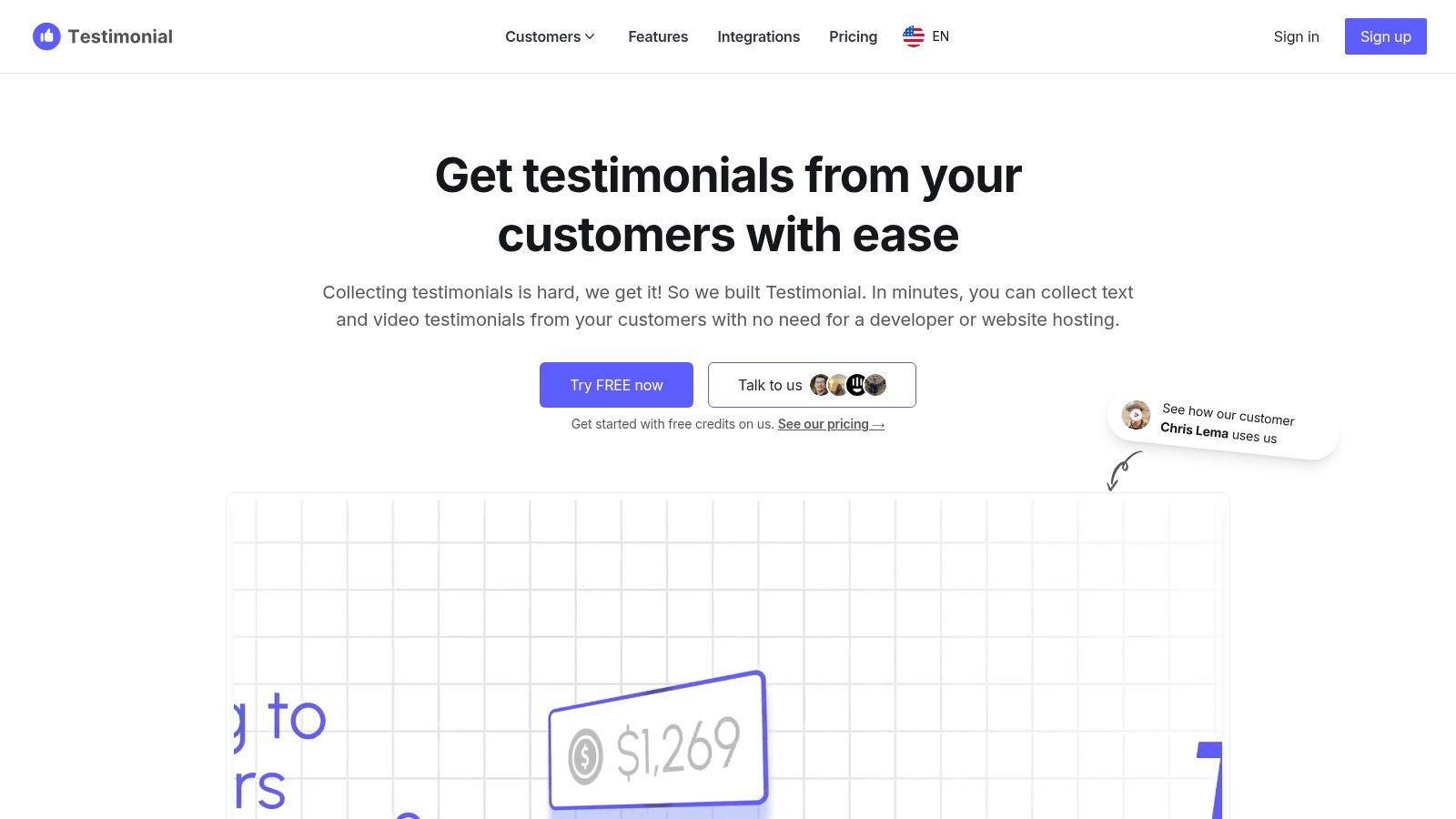
This platform excels at speed and simplicity. You create a branded landing page where customers can submit text or record video testimonials directly, no login required. This low-barrier process is critical for capturing authentic feedback in the moment. You can then curate these assets with tags and display them in embeddable widgets or on a dedicated page. While it doesn't replace the depth of a full case study, it provides the visual and social proof needed to build trust early in the buyer's journey. These quick-win assets are perfect for pricing pages, sales decks, and onboarding flows.
Senja positions itself as the all-in-one system for testimonial collection, management, and sharing, with a heavy emphasis on making the process fast and aesthetically pleasing. It directly addresses the founder's need for social proof without a significant time investment. The platform provides a rich library of copy-and-paste testimonial request scripts and multiple "Wall of Love" designs, allowing teams to go from zero to a polished testimonial page almost instantly.

The core value of Senja lies in its templates and speed. Beyond just a collection form, it gives you the exact outreach copy for email and social media, reducing the friction of that first ask. This makes it an exceptional tool for teams that need high-quality customer testimonial templates to kickstart their collection efforts. It supports text and video collection and allows imports from other platforms, centralizing your social proof assets. While its widgets are effective, they are primarily built for showcasing quotes and short videos, not for presenting deep, strategic narratives.
Where many platforms focus solely on displaying testimonials, Endorsal is engineered around automating the collection process. It operates on the principle that consistent social proof requires a proactive, repeatable system, not sporadic manual campaigns. The platform’s core strength lies in its "AutoRequest" engine, which triggers testimonial requests via email or SMS based on customer activity. This creates a predictable pipeline of fresh customer endorsements with minimal ongoing effort.
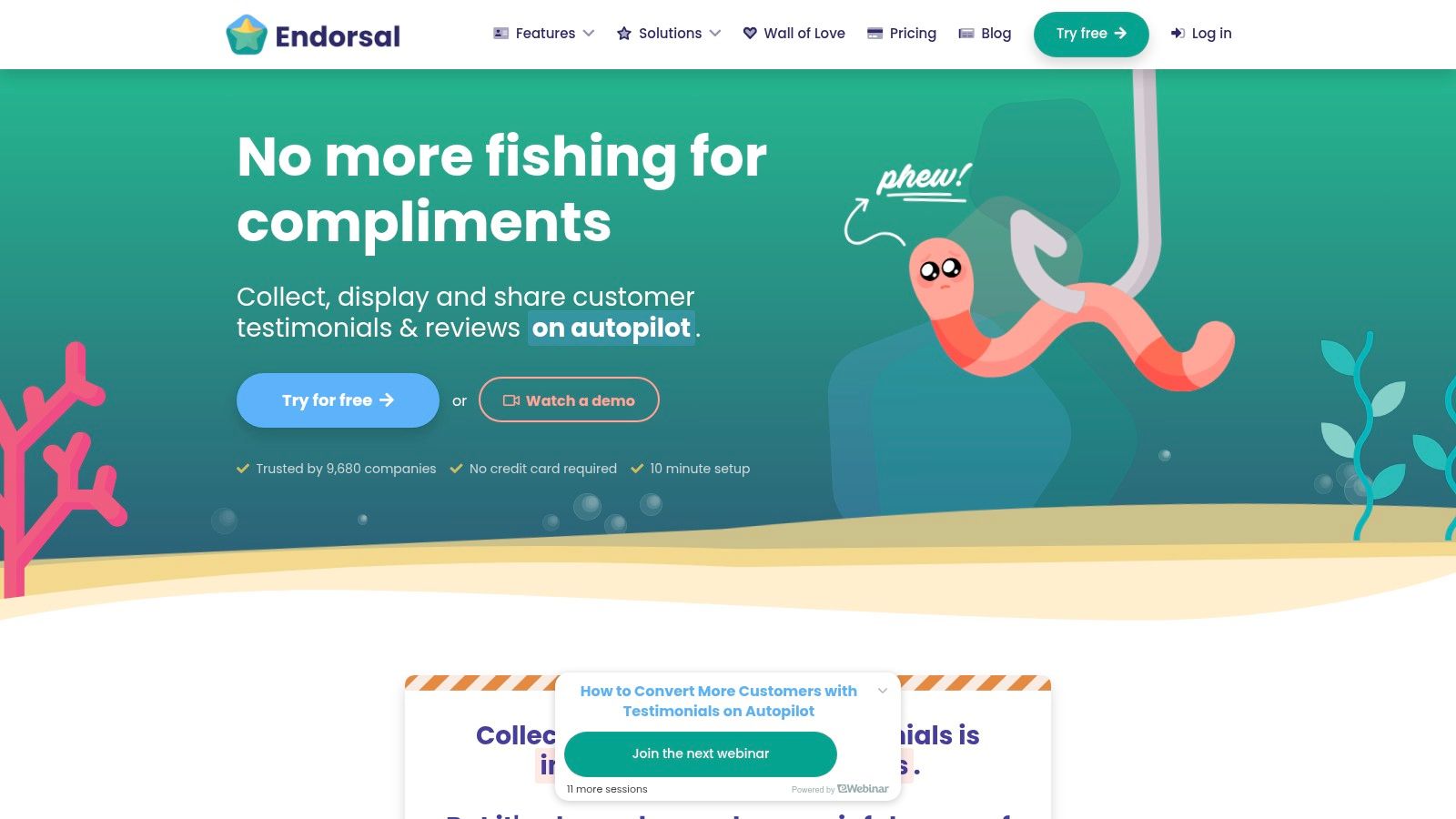
Endorsal's "EndoForms" provide a clean interface for capturing feedback, while its Wall of Love templates and embeddable widgets offer polished display options. The platform also distinguishes itself by allowing you to import existing reviews from Google, Facebook, and other sources, consolidating all social proof into one manageable dashboard. This makes it an effective command center for both new and legacy testimonials. For teams looking to put testimonial generation on autopilot, Endorsal offers a robust set of tools designed for set-it-and-forget-it efficiency.
Where some platforms focus on enterprise-grade management, Famewall targets speed and aesthetic simplicity. It is a lightweight testimonial collection and display tool built for founders and small marketing teams who need to spin up a "Wall of Fame" without touching code. The core offering is a straightforward path from collection to publication, centered around a free testimonial form template with a native video recorder. This removes a significant point of friction for both your team and your customers.
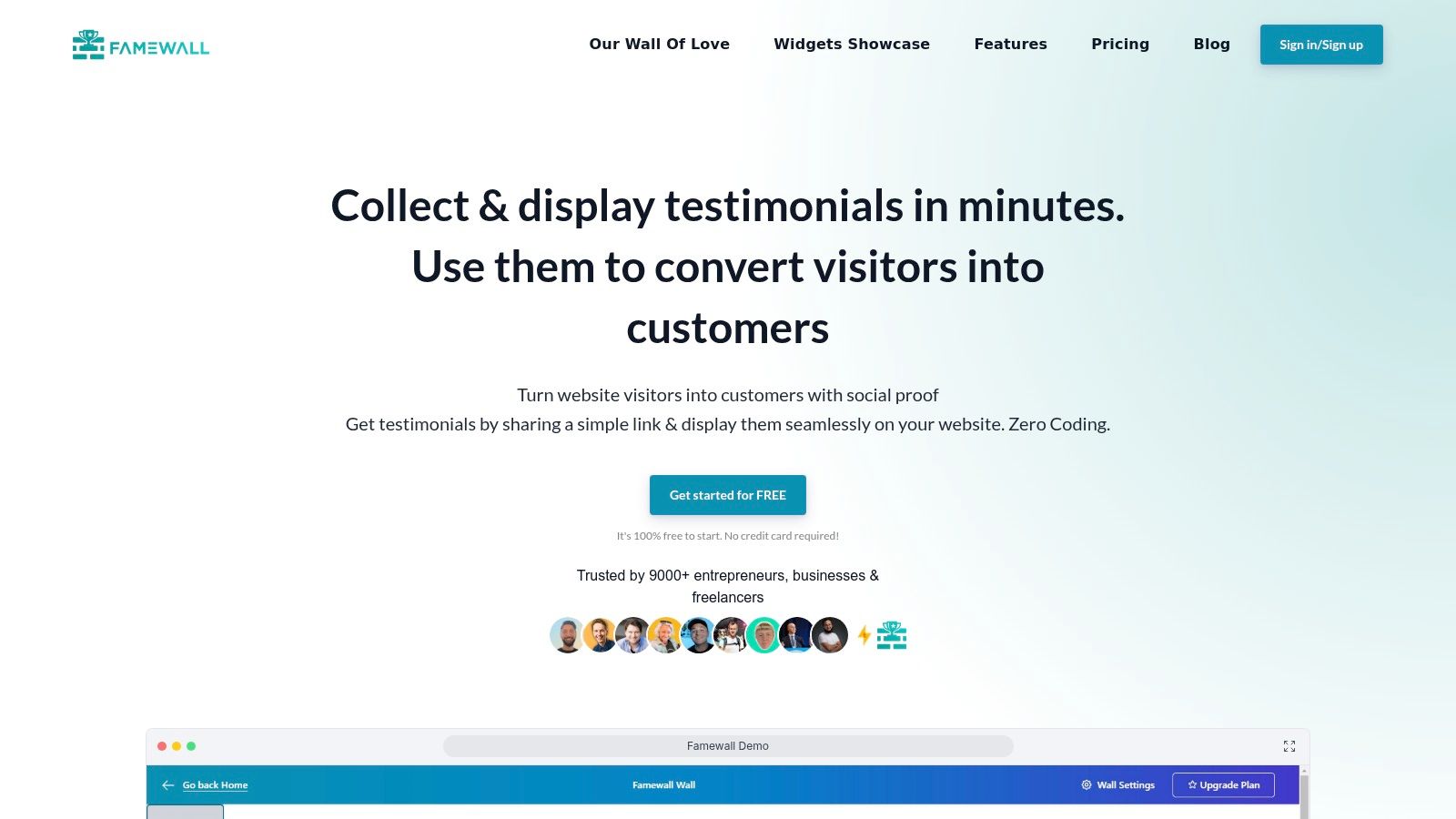
Famewall's strength lies in its approachable design controls. You can create collection pages and then embed the resulting testimonials into your site using highly customizable widgets. The platform gives you control over colors, card styles, ratings display, and pagination, ensuring the social proof aligns with your brand's look and feel. The user experience for the respondent is exceptionally simple, which is critical for maximizing response rates. This makes it a strong contender for teams that prioritize a polished, design-ready display and a simple approval workflow over deep analytics or integration capabilities.
Where many platforms focus solely on collecting or displaying testimonials, Boast aims to systematize the entire outreach and capture process. It’s built for teams that need to move beyond ad-hoc requests and implement a structured, repeatable engine for generating social proof. The platform's free Testimonial Request Toolkit, which includes proven email templates and workflow guidance, is a standout feature for teams unsure where to begin their outreach.
Boast’s strength lies in its all-in-one approach. It provides not just the capture mechanism via a drag-and-drop form builder for text and video, but also the outreach tools to get responses in the first place. You can manage multi-step email drip sequences directly within the platform and track campaign performance. This is particularly effective for companies with multiple locations or distinct customer segments, allowing for tailored campaigns without operational chaos. The display widgets are functional and integrate well, but the core value is in the structured collection workflow that precedes display.
Where most testimonial tools focus on collecting text, VideoAsk by Typeform puts authentic, asynchronous video at the center of the conversation. Instead of sending a static form, you send an interactive video "ask." This prompts your customer to respond with their own video, audio, or text, creating a far more personal and engaging exchange. The platform is engineered to remove nearly all friction from video submission, allowing respondents to record with a single click, no account or special software needed.
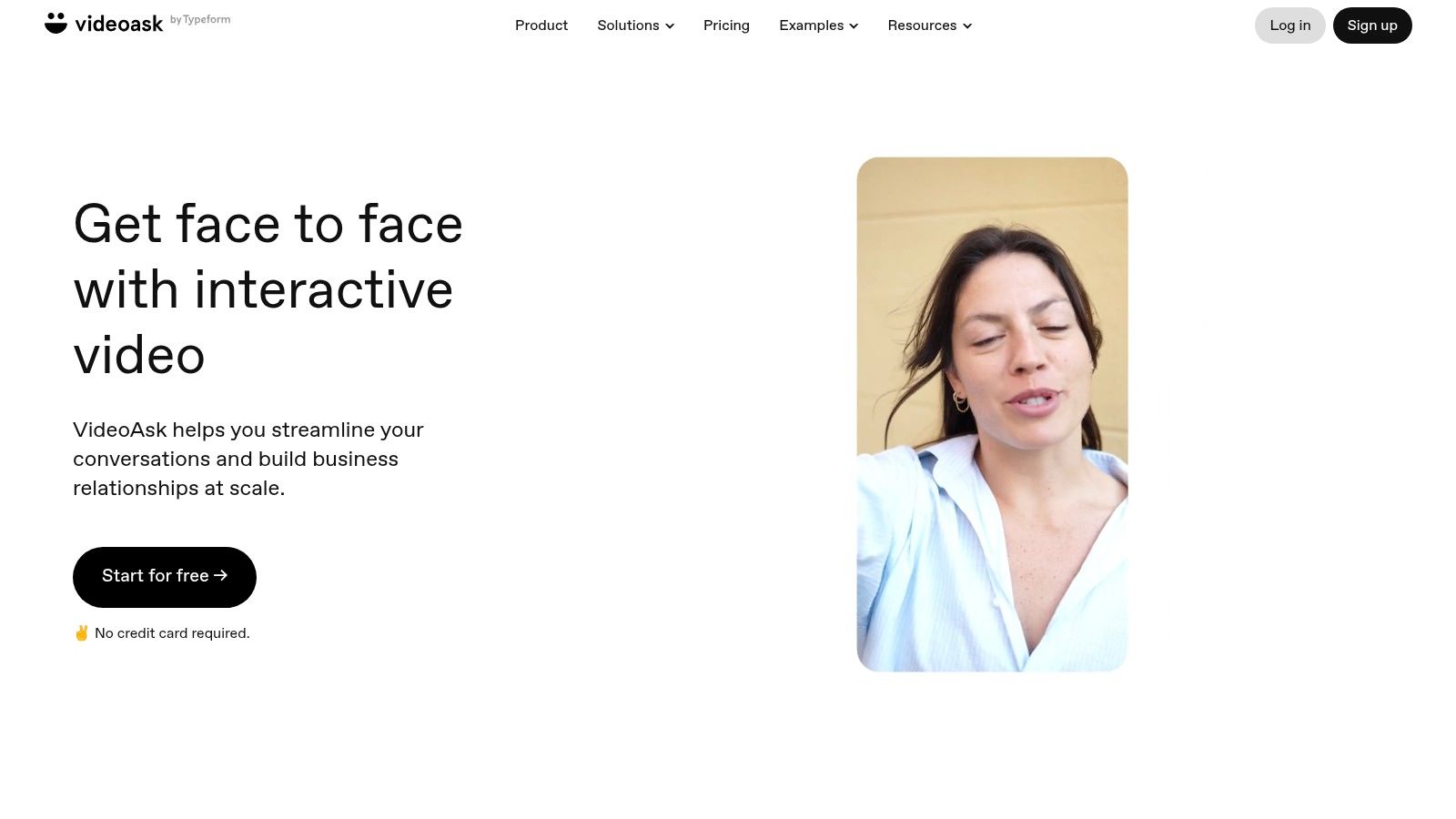
This approach makes VideoAsk exceptional for capturing the raw, unscripted moments of customer delight that often get lost in translation with written quotes. The platform provides prebuilt templates specifically for testimonial collection, letting you set up a video-first feedback funnel in minutes. You can then embed these interactive widgets directly on your site or share a link. The result is a dynamic way to gather powerful video assets that build immediate human connection with prospects, moving beyond simple social proof to genuine storytelling.
Video testimonials often stall due to production complexity, not customer unwillingness. Vocal Video is built to dismantle that barrier, turning a high-effort, high-cost project into a streamlined, repeatable system. It provides the entire collection and production workflow in a box, from templated outreach emails and guided question sets to automated editing that adds your branding, background music, and professional graphics. The result is a polished video asset ready for use in days, not months.
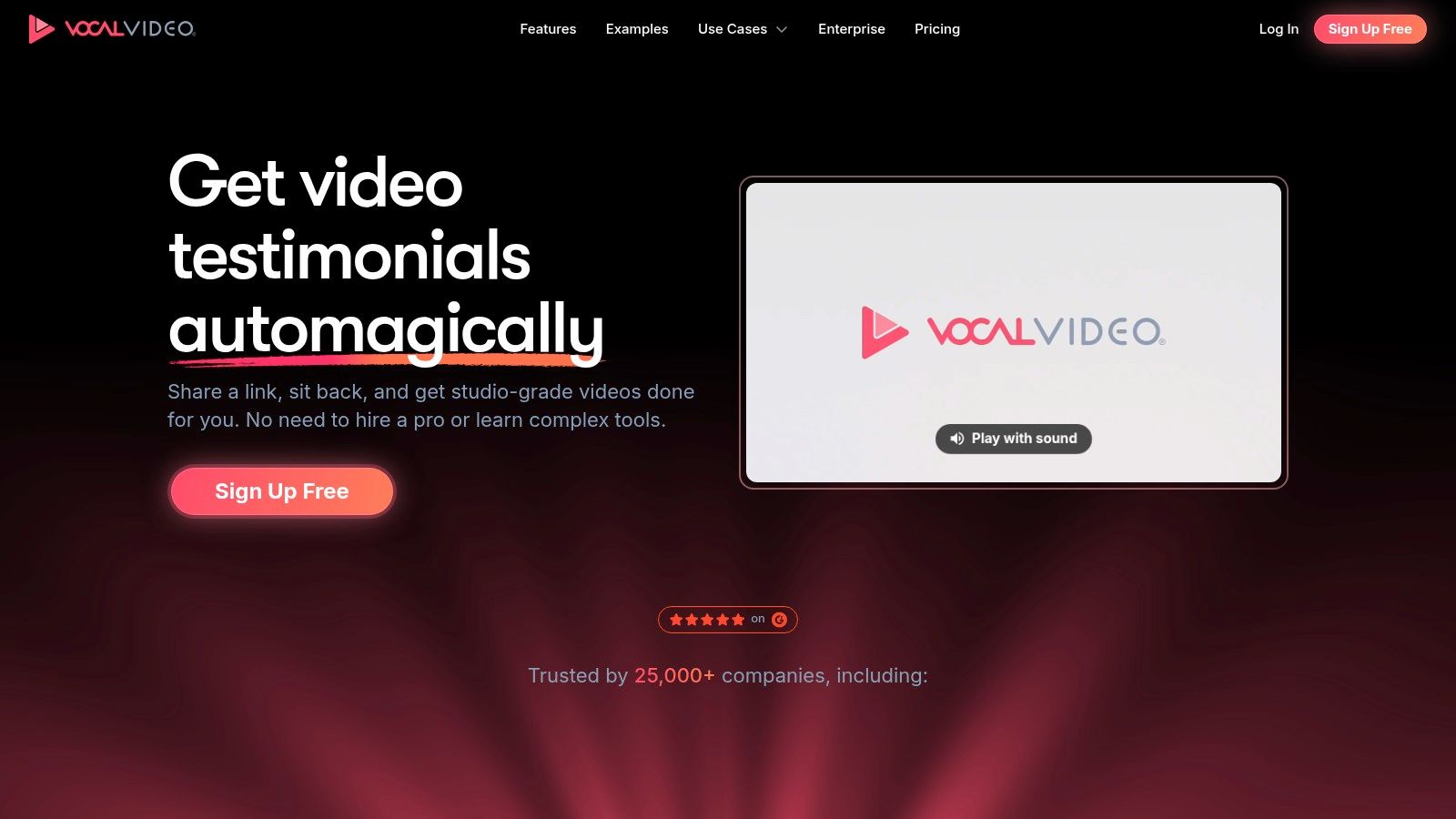
The platform’s strength lies in making high-quality video accessible to teams without a dedicated videographer or editor. With over 40 pre-built interview templates, you can guide customers to provide specific, impactful answers that align with your messaging. The system then automatically compiles the clips into a coherent narrative. This automated approach is perfect for generating a steady stream of authentic video proof for landing pages, ad campaigns, and sales outreach, proving that B2B buyers are betting on authenticity over slick advertising.
Raw testimonial quotes in a spreadsheet or document have zero impact until they are seen. Visme addresses this critical last-mile problem by turning your collected social proof into professionally designed visual assets. It's a design platform loaded with dedicated templates for testimonial graphics, quote callouts, and even testimonial request email headers that you can quickly brand and export for web, social media, and sales decks.
The platform’s strength is empowering non-designers to create consistently branded visuals without starting from a blank canvas. By applying a drag-and-drop brand kit with your company's fonts and colors, you can ensure every customer testimonial template you use reinforces your brand identity. The wide format support is a significant advantage, allowing you to create a single testimonial and then resize it for a landing page block, a LinkedIn post, and a slide in your sales presentation, maintaining a coherent look across all channels.
Once you’ve collected powerful customer quotes, the next challenge is presenting them in a way that captures attention and reinforces your brand. Raw text is easily ignored. Venngage addresses this by providing a template-driven design platform that empowers marketing and sales teams to transform quotes into polished, on-brand visuals without needing a dedicated designer. Its strength lies in turning raw testimonials into credible social proof assets for websites, social media, and sales collateral.

Unlike capture-focused tools, Venngage is purely a design and visualization engine. You bring your own text, and the platform provides the framework to make it impactful. With a broad ecosystem of customer testimonial templates, you can quickly produce assets like quote graphics for LinkedIn, banner images for your pricing page, or slides for a sales deck. The interface is straightforward, and features like Brand Kits (on paid plans) ensure every asset produced by your team maintains visual consistency with your company's colors, fonts, and logos. This makes it a practical tool for scaling content production.
For teams that don’t need a dedicated testimonial management system but require a professional, structured way to collect feedback, Jotform is the answer. It moves testimonial gathering out of disorganized email threads and into a controlled, form-based workflow. The platform’s strength lies in its familiar, plug-and-play Testimonial Request Form template, which can be branded, embedded on a site, or shared via a direct link in minutes. It’s a pragmatic solution for centralizing a single, crucial step in the social proof process: the ask.
This approach excels at standardizing collection with minimal technical overhead. The ready-made template includes fields for the quote, star ratings, and photo uploads, along with critical consent checkboxes for usage permissions. Because the user experience is a simple, recognizable form, the barrier for customers to respond is incredibly low. Integrations with apps like Slack, Google Drive, or your CRM mean that new submissions can trigger notifications and data-syncing, ensuring new testimonials are routed to the right place without manual work.
Many B2B teams, especially those with distributed or multi-location sales models, struggle with inconsistent social proof. NiceJob addresses this by systematizing review and testimonial collection. It moves beyond simple requests, providing a reputation and social proof platform with template-driven campaigns to ensure your outreach is consistent, on-brand, and effective across all touchpoints. Its strength is in creating a repeatable engine for capturing feedback and then displaying it to build trust.
The platform’s core is its campaign automation, which allows teams to save, reuse, and share effective customer testimonial templates and outreach sequences. This is a significant advantage for organizations needing to maintain brand consistency across different branches or franchises. Once collected, testimonials can be pushed to on-site widgets like "Engage" and "Stories," which surface social proof to visitors and have been shown to improve on-site conversion rates. This creates a powerful feedback loop where positive customer experiences directly fuel new customer acquisition.
Most teams struggle to create professional, on-brand outreach emails without bogging down their design or development resources. Publicate solves this by providing a no-code email builder focused on creating beautiful, reusable content blocks. While not a testimonial collection platform itself, it offers a suite of customer testimonial templates and guidance specifically for crafting the request email, which is often the point of highest friction in the collection process.
This tool is built for marketing and success teams who need to send polished, brand-consistent communications fast. You can set up a brand kit, create reusable testimonial request modules, and send them through your existing email provider like Gmail or Outlook. Its strength lies in standardizing the outreach part of your social proof engine. By turning your request email into a managed asset, you ensure every touchpoint reflects the quality of your brand, which directly influences response rates.
The tools and templates we have explored are not the destination. They are the infrastructure. The difference between a high-growth SaaS company and its peers is not the quantity of social proof, but its strategic density. They don't have a 'testimonial process'; they have a proof-generation engine integrated directly into their go-to-market motion.
Your takeaway from this resource should not be to simply buy a tool. It is to fundamentally rethink what a testimonial is for. Is it a decoration for your homepage, or is it a specific piece of evidence designed to disarm an objection your Head of Sales hears every day? Is it a vague compliment, or is it a quantifiable result that your champion can use to get budget approval?
If your customer evidence isn't directly mapping to buyer objections, sales cycle stages, and ICP pain points, it's noise. It fills space but doesn't accelerate decisions.
The real work starts before you ever send a request or open a template. It begins with a deep, unflinching analysis of your pipeline and customer journey.
This strategic approach is what separates a library of inert quotes from an arsenal of deal-closing assets. These customer testimonial templates are most effective when they are the final, tactical step in a strategy, not the first. Beyond merely collecting them, you can actively engineer proof when you learn how to turn customer reviews into social media posts that showcase your success across different channels.
Ultimately, the goal is to shift your entire organization's mindset. Every customer success call, every support ticket, every positive email is a potential signal. Your job is to build the system that captures that signal and turns it into irrefutable proof that helps your next customer make a confident decision. Stop collecting praise. Start engineering proof.
Tired of collecting testimonials that don't move the needle? At Big Moves Marketing, we help B2B SaaS founders build the strategic GTM foundation that turns customer proof into a core growth engine. We'll show you how to map your proof needs directly to your revenue goals, so you can stop guessing and start closing. Schedule a consultation with Big Moves Marketing to build a proof engine, not just a testimonial page.
Explore Big Moves Marketing services and resources:




%20-%20white.svg)