%20png%20copy.avif)
Most app teams treat Shopify App Store Ads as an install machine. Turn them on, bid on the obvious keywords, watch the install count climb. The climb feels like progress.
It often isn't. Since 2023, the App Store's ranking system rewards what merchants do after they install — not how many of them install. That single fact rewires how paid placement should be run. An ad campaign that buys installs from merchants who churn in a week is not neutral. It can feed a negative signal back into your organic ranking, which means you can pay to make your free traffic worse.
This guide covers how Shopify App Store Ads actually work — the auction, the bidding model, the placements, the targeting, the reporting — and where the channel quietly backfires. It's written for app founders and marketers running or evaluating the channel, but the first few sections are readable whether you've never opened the Ads tab or you've been bidding for years.
The mechanics are documented by Shopify. The strategy is where most teams go wrong.
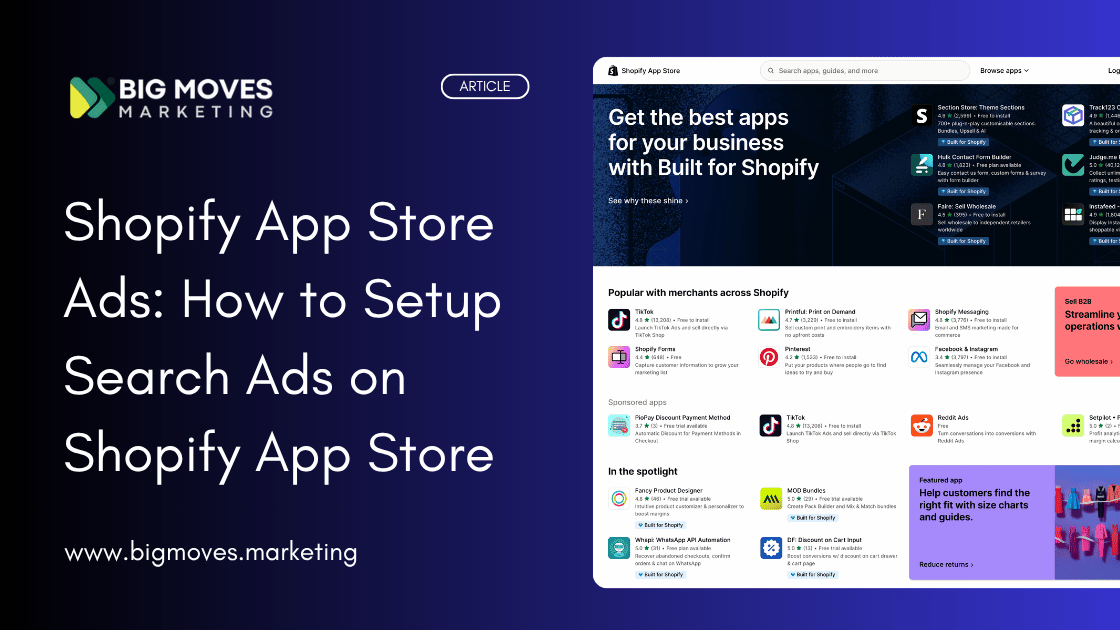
Shopify App Store Ads are paid placements inside the App Store itself — the marketplace where Shopify merchants find apps for their stores. They are sometimes called Shopify Search Ads, because the most common placement appears in search results, but the product covers more than search.
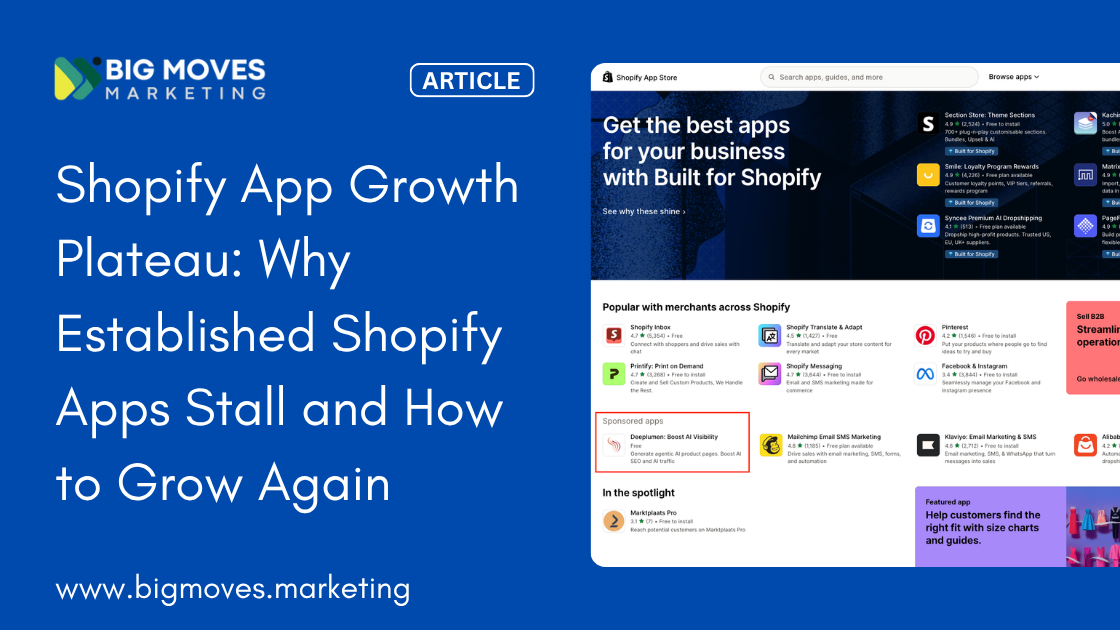
There are three ad types: search results ads, category and subcategory page ads, and homepage ads. They look similar to organic listings but carry a badge marking them as paid — on the homepage and category pages, they appear in a section labeled "Sponsored apps." All three run through the same auction and the same cost-per-click billing.
The three placements map to three different states of merchant intent.
Search ads appear when a merchant types a query — "abandoned cart," "loyalty program," "product reviews." This is the highest-intent placement. The merchant has told you what they want. Your job is to show up for the queries that match what your app does.
Category and subcategory ads appear when a merchant browses a category page rather than searching. You can target a top-level category or drill down to a sub-subcategory. The intent here is softer — a browser is less certain of what they want than a searcher, which usually means lower conversion rates.
Homepage ads sit at the entry point of the App Store, before a merchant has searched for anything. This is the closest the channel gets to demand generation — putting your app in front of merchants who may not know a solution like yours exists. The trade-off is the same as with category ads: broad reach, lower intent.
One detail that surprises advertisers coming from other channels: you don't write the ad. The creative is generated automatically from your app listing — your icon, title, and listing copy. You can't customize it for the ad. To change what the ad says, you change your listing, and listing changes go through Shopify's review. This means your listing optimization and your ad performance are the same project, not two separate ones.
Every time a merchant loads the homepage, opens a category page, or runs a search, Shopify runs an auction for the available ad slots. Your ad bids automatically in any relevant auction, as long as it has budget remaining for the day.
Winning an auction takes two things working together: your bid and your app's relevance. Shopify is explicit that keywords aren't sold to the highest bidder. A highly relevant app can win a position — and pay less for it — than a competitor who bid more but matched the search worse. In Shopify's own worked example, the ad in position one pays $0.50 because of high relevance, while an ad with the highest bid in the auction fails to place at all because its relevance was too low.
Relevance is a contextual score Shopify calculates for your app against each search. The factors it names include your click-through rate, your search performance, and whether the app is even available for that merchant to install. There's a telling consequence buried in the bid-suggestion behavior: if Shopify shows you no suggested bid or range for a keyword, that's a signal your relevance score is too low to compete in that auction at all. No amount of bidding fixes a relevance problem. You fix it by improving the listing and the underlying app metrics that feed the score.
Two floors apply. The minimum daily budget is $5.00, and Shopify enforces a minimum bid — if your bid sits below it, your ad simply won't show.
If you've run Google Ads or Meta, your instincts will mislead you here. Five mechanics work differently enough to cost you money before you notice.
Your CPC is a fixed price, not a ceiling. In Google Ads, your max CPC is an upper bound — Google often charges less when quality is high. Shopify runs a first-price auction: the amount you pay per click is exactly the bid you set. Set $10, pay $10, every click, regardless of how relevant or low-competition the click turned out to be. There's no auction discount to bail you out of a bid that's too high. This makes disciplined bidding more important than on platforms where the system corrects for you.
You can't edit the ad creative. As covered above, the creative comes from your listing and can't be changed for the ad. There's no A/B testing of ad copy in the usual sense. Your levers are the listing itself, your keywords, and your bids.
The attribution window is 30 days, post-click. An install counts toward an ad only if the merchant installs within 30 days of clicking it. Many merchants install the same day, but some take weeks. This long window, combined with revenue that only arrives after the install, produces a reporting pattern that alarms first-time advertisers: spend shows up immediately, conversions and revenue trail behind. Your charts will look like you're losing money before they look like you're making it. That shape is expected, not a problem — it's the timing of a pay-up-front, earn-later model.
Merchants who already have your app don't see your ad. If a merchant has installed your app, Shopify won't show them an ad for it. If they uninstall, they become eligible to see it again. You aren't paying to re-reach your existing users.
You can target by merchant plan, but only at setup. Shopify lets you break out and target performance by shop plan tier — Trial, Retail, Basic, Grow, Advanced, Plus — alongside country and device. Plan-based targeting is useful when your pricing or value proposition skews toward larger merchants. The catch: ad placement and plan-based targeting can't be edited after a campaign is created. To change them you stop the campaign and build a new one. Keywords and bids stay editable; this structural layer does not.
One more boundary worth knowing: you can't bid on Shopify's own branded terms, and if you hold the trademark on your app's name you can ask Shopify to restrict it as a search term — which is the only defense against competitors bidding on merchants searching for you by name.
Here's where the channel stops being a mechanics question and becomes a strategy question.
In February and April of 2023, Shopify changed how the App Store ranks apps in two phases. The shift moved ranking weight away from listing metadata — keywords in your title and description — and toward post-install behavioral signals: whether merchants who install actually keep the app, use it, and pay for it. The App Store now reads retention as a vote of quality.
This is the single most important fact for anyone spending money on App Store Ads, and almost no tactical guide connects it to paid spend. If ranking rewards retention, then installs without retention aren't free of consequence. They're a negative signal. An ad campaign that drives a flood of installs from poorly matched merchants — the wrong plan tier, the wrong use case, merchants who churn in days — teaches the algorithm that people who try your app don't stick. You can spend your way into a worse organic position.
This reframes the goal. The job of an App Store ad campaign is not maximum installs at minimum cost per install. It's maximum retained, paying installs — merchants who match your app well enough that the install feeds the flywheel instead of poisoning it. A campaign with a higher cost per install but better-matched merchants can be worth more than a cheaper one that churns, because the expensive one strengthens the free channel underneath it and the cheap one erodes it.
That principle should govern every keyword decision below. Cheap, loosely relevant clicks are not a bargain when the installs behind them don't last.
Shopify keyword targeting uses two match types: broad match and exact match. Broad match triggers your ad on related search terms; exact match triggers only on the precise keyword. Negative keywords — also available in broad and exact — do the inverse: they stop your ad from bidding on terms you want to avoid.
Shopify's own example is the clearest way to see the trap. Say your app compresses image file sizes. You bid on "photo compression," which fits. But a broad match on the word "photo" can also pull your ad into searches for "photo filters" — an app feature you don't have. You pay for those clicks, they don't convert, and your relevance score takes the hit. The fix is to add "filter" as a broad match negative keyword so any search containing it stops triggering your bid.
This is why Shopify's own optimization guidance warns against relying only on broad match. Broad match inflates cost per install because it matches search terms that were never going to convert. The recommended pattern is to use the search term report to find which specific terms inside a broad keyword are driving installs at or below your target cost — then lift those terms out into a separate campaign as exact match keywords, where you control them precisely.
For most established apps, the conventional sequence holds: start broad to discover terms, then graduate the winners to exact match.
For new apps with no reviews and a free tier, invert it. This is the part conventional advice gets wrong. A brand-new app has a low relevance score, no review social proof, and often free pricing that attracts low-commitment installs. Running broad match on a zero-review app is the worst possible combination: it spends budget on loosely matched merchants, drives exactly the kind of low-retention installs that hurt your post-2023 ranking, and does it while your relevance is too weak to win efficiently anyway. The correct move for a zero-review app is exact-match-first — bid only on the precise, high-intent terms where your app is unambiguously the right answer, hold broad match in reserve, and run it later only as a controlled probe once you have review proof and retention data to support the wider net.
The match-type decision isn't a default. It depends on where your app is in its life.
The most expensive keyword strategy is bidding on every term you can think of. The most effective one is narrow.
Shopify's guidance on App Store ads makes the point plainly: merchants search with specific intention, so the win is to target that intention rather than a wide net of plausible-sounding terms. Knowing your niche matters more on this channel than on most, because there's room for only a handful of ad slots per search and relevance — not just budget — decides who fills them. A tightly relevant app in a defined niche wins cheaper clicks than a generalist bidding wide.
The more useful question is not "which keywords describe my app?" It's "which searches represent a merchant who will install, stay, and pay?" Those are not the same set. The first list is large and includes every feature you've ever shipped. The second is small and built around the one or two jobs merchants reliably hire your app to do.
Work outward from there in three bands.
Core feature terms. The exact jobs your app does — "abandoned cart recovery," "subscription billing," "product bundles." Highest intent, usually highest conversion, and the place a constrained budget should live first. These are your exact-match anchors.
Adjacent and problem terms. Searches that describe the problem rather than your feature — a merchant searching "increase average order value" may be a strong fit for a bundling app without using the word "bundle." Useful, but test conversion before committing budget; problem-level searches mix intents.
Competitor terms. You can bid to appear when merchants search for a competitor by name. Done well, it reaches app-aware merchants who don't know alternatives exist. Done poorly, it's expensive traffic that doesn't convert. The discipline is to only bid on competitors who offer a genuinely similar service — if their app does something different, the intent behind their branded searches isn't transferable to you, and you'll pay for clicks that were never going to land.
There's a free byproduct here. The search term report in your Partner Dashboard shows the exact terms merchants typed when your ad appeared. It's a keyword-management tool, but it doubles as organic listing research — the terms converting in your ads are the terms worth optimizing your listing copy around.
The mechanics of building a campaign are straightforward; the structure you choose at the start is what determines whether you can learn from it.
Start with the reporting essentials in place: know what you're trying to achieve, how you'll measure it, and what a good outcome looks like before you spend. For most apps the north-star metric is cost per install (CPI) against the lifetime value of an installed merchant — but as Section 4 argued, weight that toward retained installs, not raw ones.
A practical first-campaign structure:
Bid suggestions, when Shopify shows them, are worth respecting as a competitiveness signal — bidding within the suggested range makes your ad more likely to display, though it never guarantees a win. The absence of a suggestion is itself the signal discussed earlier: your relevance is too low, and the answer is listing work, not a higher bid.
The Partner Dashboard reports impressions, clicks, installs, spend, customers, and revenue, broken down by country, shop plan, and device. Three metrics deserve more attention than the rest, and one reporting artifact deserves an explanation before it scares you.
Cost per install (CPI) is the primary efficiency metric for most apps — what you pay in ad spend per merchant who installs. Read it against the value of a retained, paying merchant, not in isolation. A $30 CPI is excellent if those merchants stay for a year on a $50/month plan and terrible if they churn in a week.
Average position tells you where your ad sits, with position one being most prominent. It correlates with bid and relevance. But Shopify's own optimization guidance makes a counterintuitive point: a good average position doesn't guarantee a good CPI, and chasing position one is often not worth it. An average position of two may deliver the same cost per acquisition as position one for far less spend. Once your position is already strong — around one, or under roughly 1.3 — pushing your bid higher rarely improves CPI meaningfully. You're just paying more for the same merchants.
The conversion and revenue curve will look alarming, and shouldn't. Because you pay for clicks up front but earn revenue only after the install converts — and because the attribution window runs 30 days post-click with metrics that update as merchants convert and pay over time — a campaign's early reporting shows cost ahead of return. This J-shaped curve is structural, not a sign the campaign is failing. Judge a campaign only after enough of the attribution window has played out to see the return catch up to the spend.
Two notes on data reliability. Shopify reprocesses clicks — for instance, removing bot clicks it identifies after the fact and crediting them back — so a given period's numbers can shift slightly after you first view them. And because attribution is tied to the impression date, the total delay before a conversion finalizes can run up to 64 days plus any free trial period. Patience is a measurement requirement here, not a virtue.
Optimization on this channel is a repeating loop, and Shopify's own guidance names the three mistakes that quietly drain budget. Each has a fix.
Mistake one: paying for keywords that don't convert. A keyword with high spend or high impressions but no installs is dead weight. Set a threshold for acceptable spend or impressions without a conversion, and when a keyword crosses it, pause it or cut its bid hard. Don't let a plausible-sounding keyword keep spending on the strength of its impression volume.
Mistake two: overpaying for position. If your average position is already strong, raising bids further rarely moves CPI. Bidding to defend position one when position two converts just as efficiently is spending money to feel competitive rather than to be efficient. Check whether the position you're paying for is actually earning its premium.
Mistake three: leaning on broad match. Broad match's wide net inflates CPI through irrelevant matches. The loop that fixes it: read the search term report, find the specific terms inside each broad keyword that convert at or below your target cost, and promote those into a separate exact-match campaign where you control them. Then trim the broad keyword or negative out the terms wasting spend.
When a keyword shows zero impressions, the usual cause is low relevance — which both raises the bid needed to win and limits your ability to enter auctions at all. The lever again is the listing and the underlying app quality signals, not the bid.
The whole loop runs on the search term report and the keyword performance report. Run it on a fixed cadence — weekly for an active campaign — rather than reacting to daily noise. App Store ad data is delayed and reprocessed, so daily swings are mostly artifacts. Weekly patterns are signal.
And run the loop with Section 4 in mind. The point of pruning isn't only to lower CPI. It's to stop buying the loosely matched installs that churn and feed a negative ranking signal. Optimization here protects your organic channel as much as your ad budget.
App Store Ads are one of the strongest acquisition channels available to app developers, for one structural reason: every impression is a logged-in Shopify merchant. Compared to running Google Ads, where only a fraction of impressions are Shopify merchants, the App Store puts 100% of your spend in front of the exact audience you want. That efficiency of audience is real and hard to replicate elsewhere.
But the channel isn't right for every app at every stage.
It's a strong fit when you have a defined niche and high-intent keywords where your app is clearly the right answer; when your listing converts well organically, so paid clicks land on a page that closes; and when you have enough retention data to know which merchant segments stick, so your spend reinforces your ranking rather than undermining it.
It's a poor fit, or premature, when your listing converts badly — paid traffic only amplifies a leaky page, and you'll pay to send merchants to a listing that doesn't persuade them; when you have no idea which merchants retain, so you can't tell good installs from churning ones; or when your relevance score is so low that Shopify won't even suggest bids, which means the work to do first is the listing, not the campaign.
The honest sequence for most new apps is: get the listing converting, earn enough reviews and retention to lift your relevance score, then turn on tightly targeted exact-match search ads — and only widen from there once the data tells you which merchants are worth buying. Switching ads on isn't a growth strategy. It's a multiplier, and a multiplier applied to a weak listing multiplies the weakness.
The mechanics of Shopify App Store Ads are well documented and not especially complicated: a first-price CPC auction, three placements, two match types, a 30-day window, a relevance score you can't bid your way around. A careful operator can learn the controls in an afternoon.
What hasn't changed is the fundamental discipline of paid acquisition — buy the customers who are worth more than they cost, and stop buying the ones who aren't. What has changed, since 2023, is that on the Shopify App Store the cost of a bad install is no longer just the wasted click. It's the wasted click plus the negative signal that install sends to your organic ranking. The two channels are wired together now.
That's the lens that separates the teams who compound on this channel from the teams who plateau. The plateau teams optimize for cheap installs and wonder why their organic ranking drifts down even as their ad spend climbs. The compounding teams treat every paid install as a vote they're casting in their own ranking algorithm — and they only buy the votes that retention will confirm. Run your campaigns to earn merchants who stay, and the free channel underneath your ads gets stronger every month you spend.
How do Shopify App Store Ads work?
Shopify App Store Ads run on a cost-per-click auction across three placements: search results, category pages, and the homepage. Every time a merchant searches or browses, Shopify runs an auction for the available slots. Winning depends on both your bid and your app's relevance to the search, so a highly relevant app can outrank a higher bidder and pay less per click. You're charged only when a merchant clicks your ad, and the creative is generated automatically from your app listing.
How much do Shopify App Store Ads cost?
There is no fixed price — you set a cost-per-click bid per keyword and a daily budget, with a minimum budget of $5.00 per day. Unlike Google Ads, Shopify uses a first-price auction, which means you pay exactly the bid amount you set on every click, not a discounted rate. Your real cost is best measured as cost per install against the lifetime value of the merchants who install, not as raw CPC.
Do Shopify App Store Ads help or hurt your organic ranking?
They can do either. Since Shopify's 2023 ranking change, the App Store weights post-install behavior — retention, usage, and payment — when ranking apps. Ads that drive well-matched merchants who stay reinforce your organic ranking. Ads that buy loosely matched installs from merchants who churn feed a negative signal that can push your organic position down. The channel and your organic ranking are connected, so install quality matters more than install volume.
What is the difference between broad match and exact match on Shopify App Store Ads?
Exact match triggers your ad only on the precise keyword you specify; broad match triggers it on related search terms as well. Broad match is useful for discovering new converting terms but inflates cost by matching irrelevant searches. The standard approach is to discover with broad match, then promote the converting terms into a controlled exact-match campaign. New apps with no reviews should invert this and start exact-match-first to avoid buying low-quality installs.
How long is the Shopify App Store Ads attribution window?
App Store Ads use a 30-day post-click attribution window — an install counts toward an ad only if the merchant installs within 30 days of clicking it. Because you pay for clicks up front but earn revenue only after installs convert, early reporting shows spend ahead of return. Metrics also continue updating as merchants convert over time, with total processing delays running up to 64 days plus any free-trial period.
Are Shopify App Store Ads worth it for a new app?
Often not yet. Ads multiply whatever your listing already does, so a listing that converts poorly will just lose money faster. For a new app, the stronger sequence is to get the listing converting, earn enough reviews and retention to raise your relevance score, then switch on tightly targeted exact-match search ads. If Shopify won't even suggest a bid for your keywords, your relevance is too low and the work to do first is the listing, not the campaign.
Big Moves Marketing is a growth consultancy working exclusively with Shopify app developers and founders — a narrower focus than general Shopify store consulting. The practice covers App Store optimization, Shopify Search Ads, conversion and retention, and full-funnel growth strategy, drawing on more than five years of hands-on work across apps including ModeMagic, IgnitePOST, TrackiPal, Alert Me, Asklo, and ChargePay. The guidance in this article reflects campaigns run inside live Partner Dashboards, cross-checked against Shopify's current developer documentation.
By the team at Big Moves Marketing — a growth consultancy specializing exclusively in Shopify app developers and founders. Over five years running acquisition, App Store optimization, and Search Ads for apps including ModeMagic, IgnitePOST, TrackiPal, and ChargePay. Last reviewed June 2026.

%20-%20white.svg)